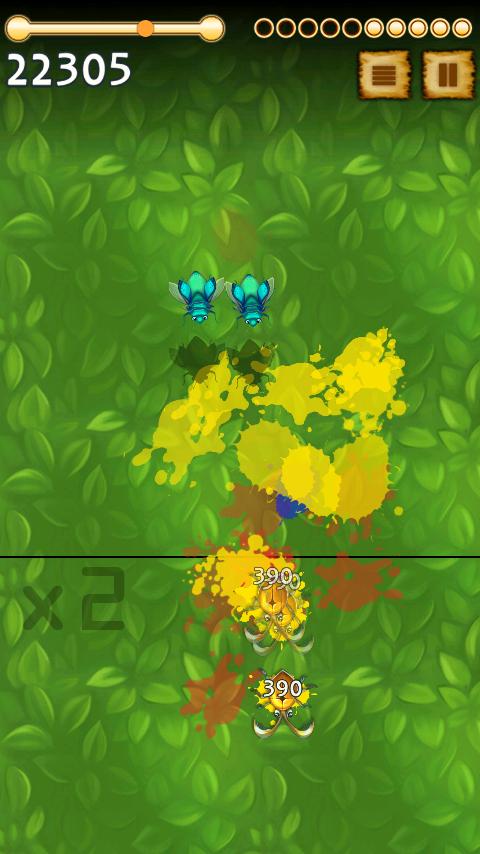
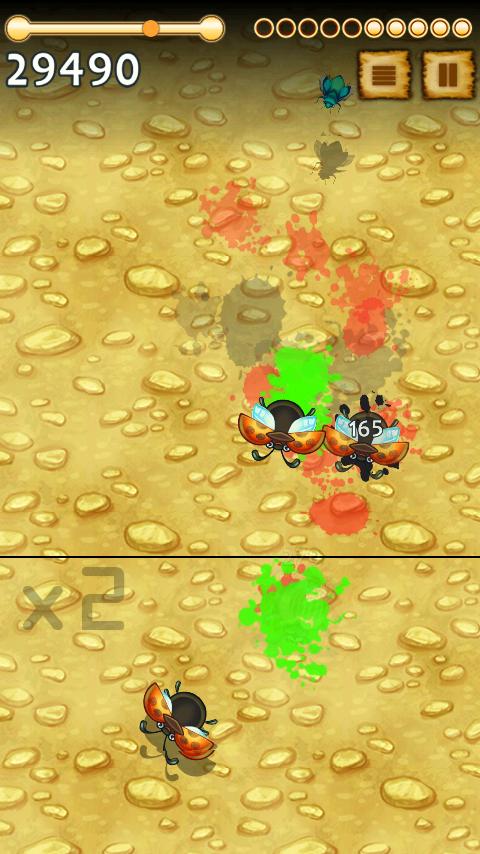
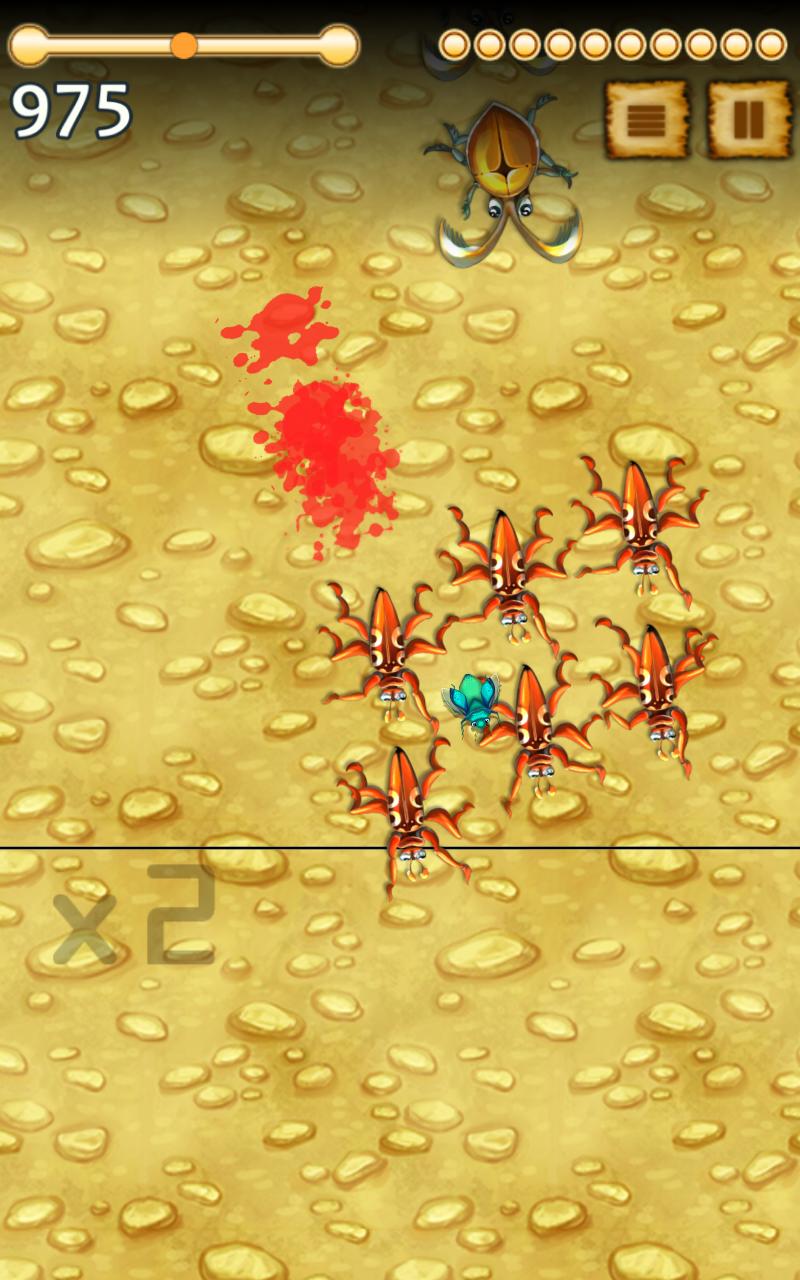
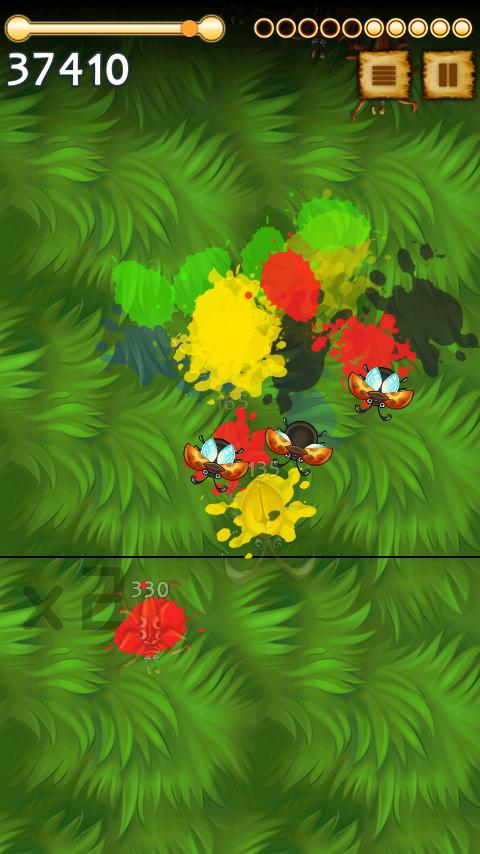
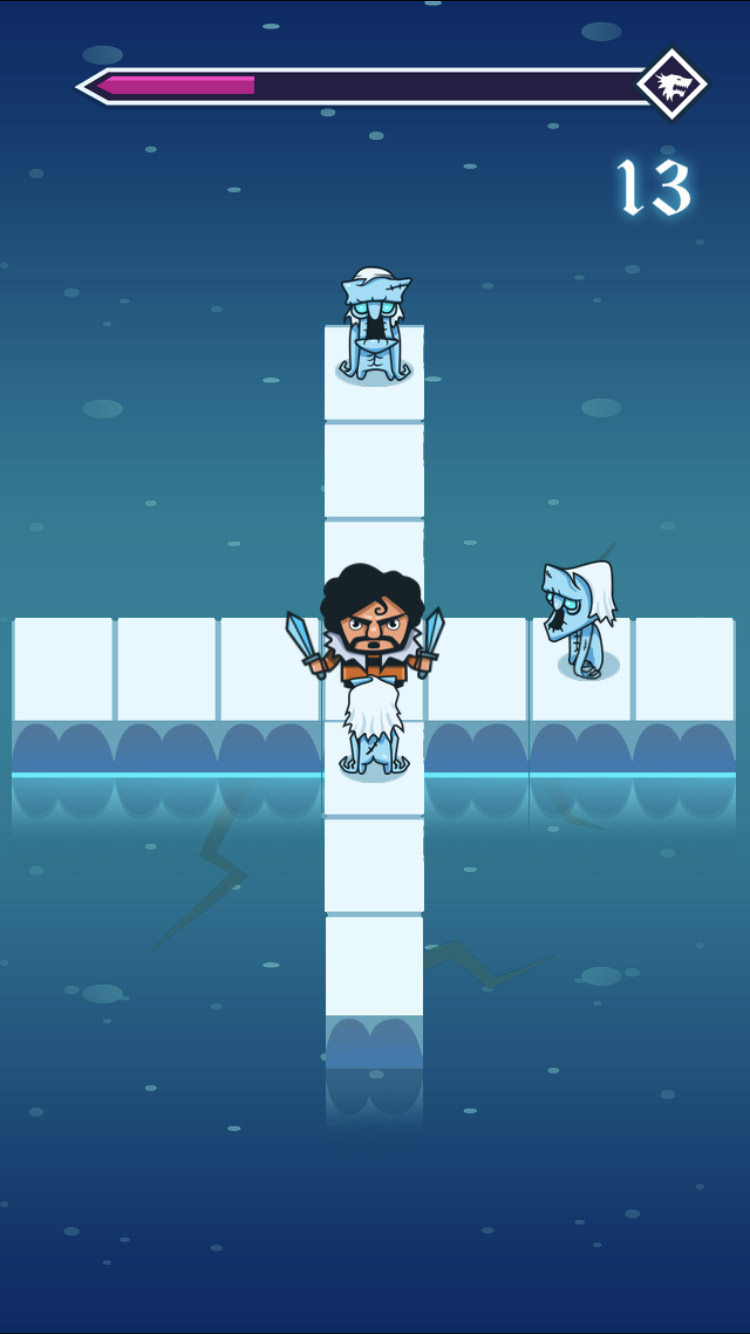
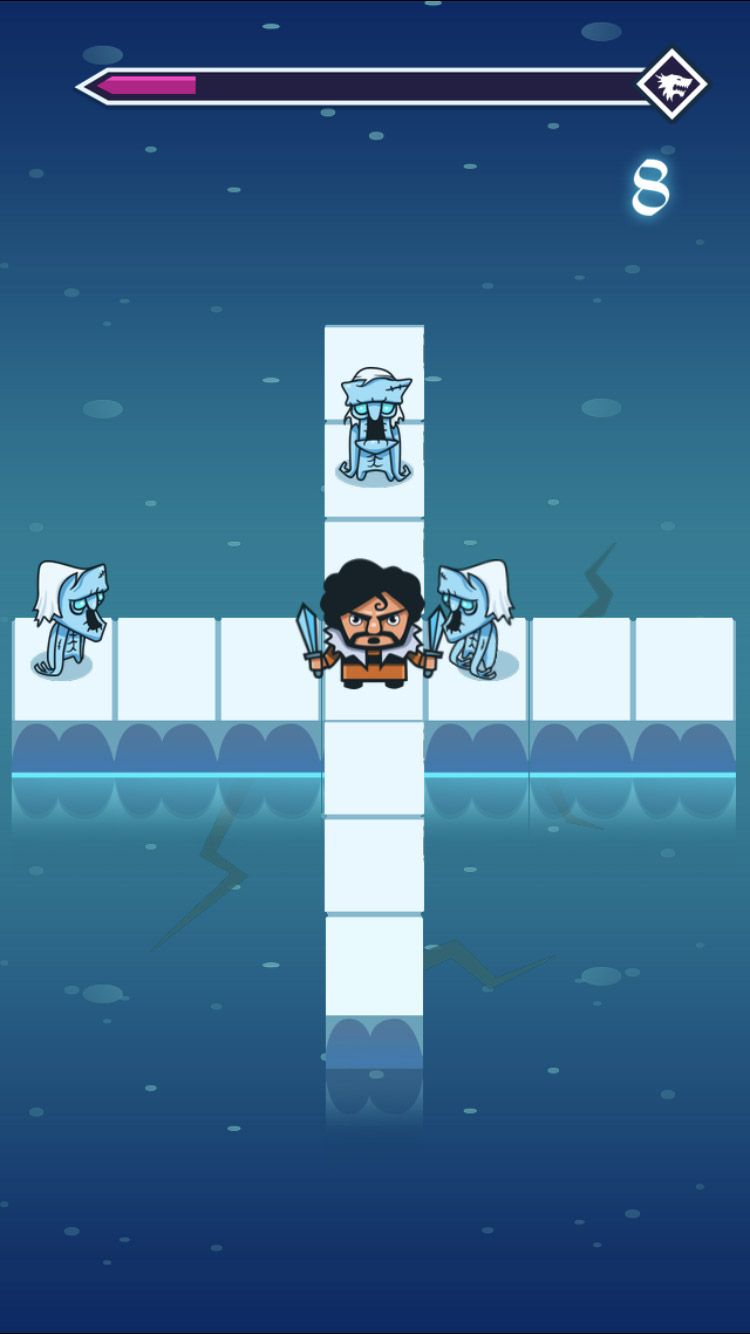
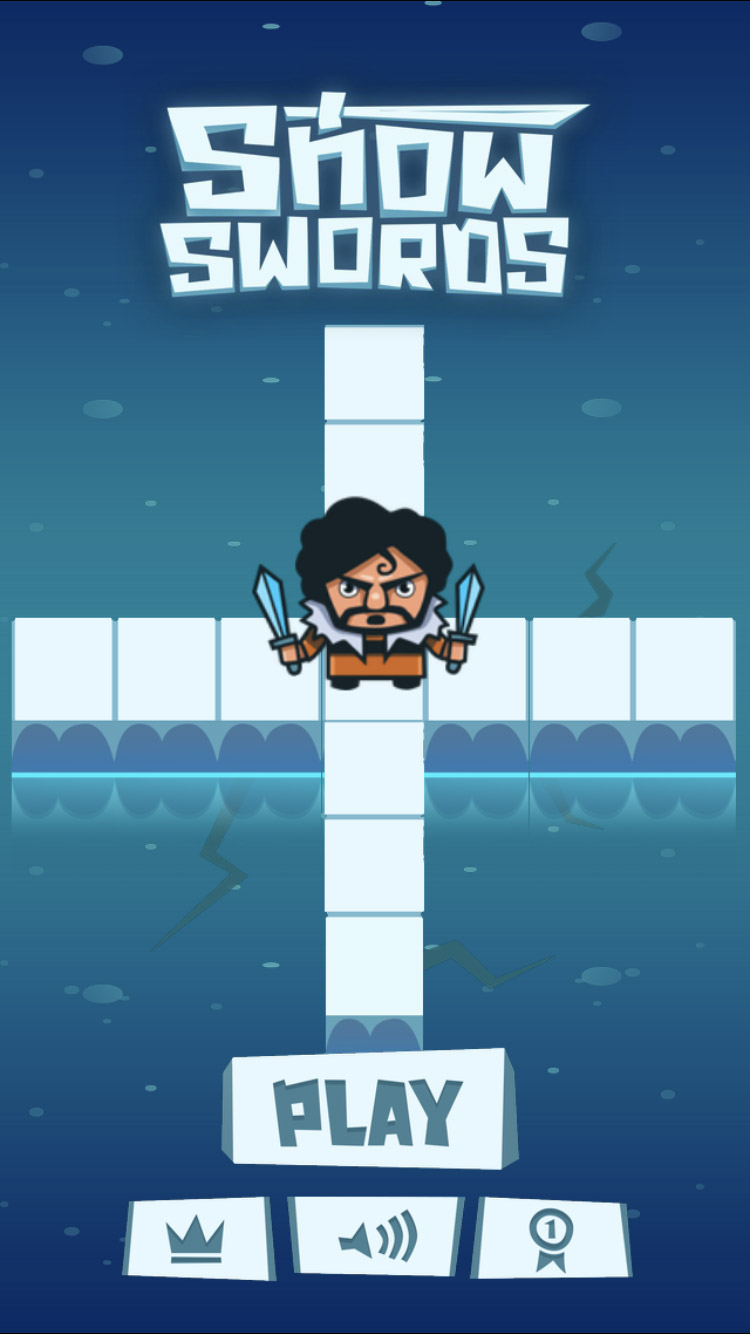
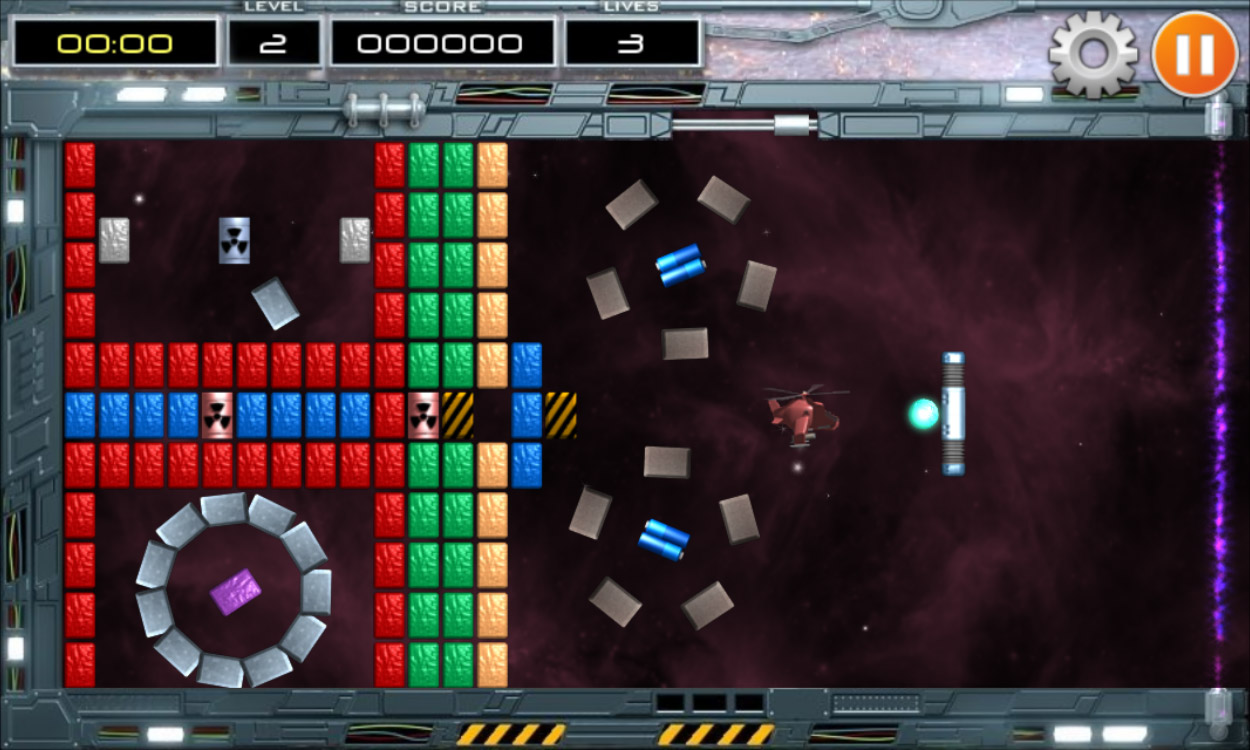
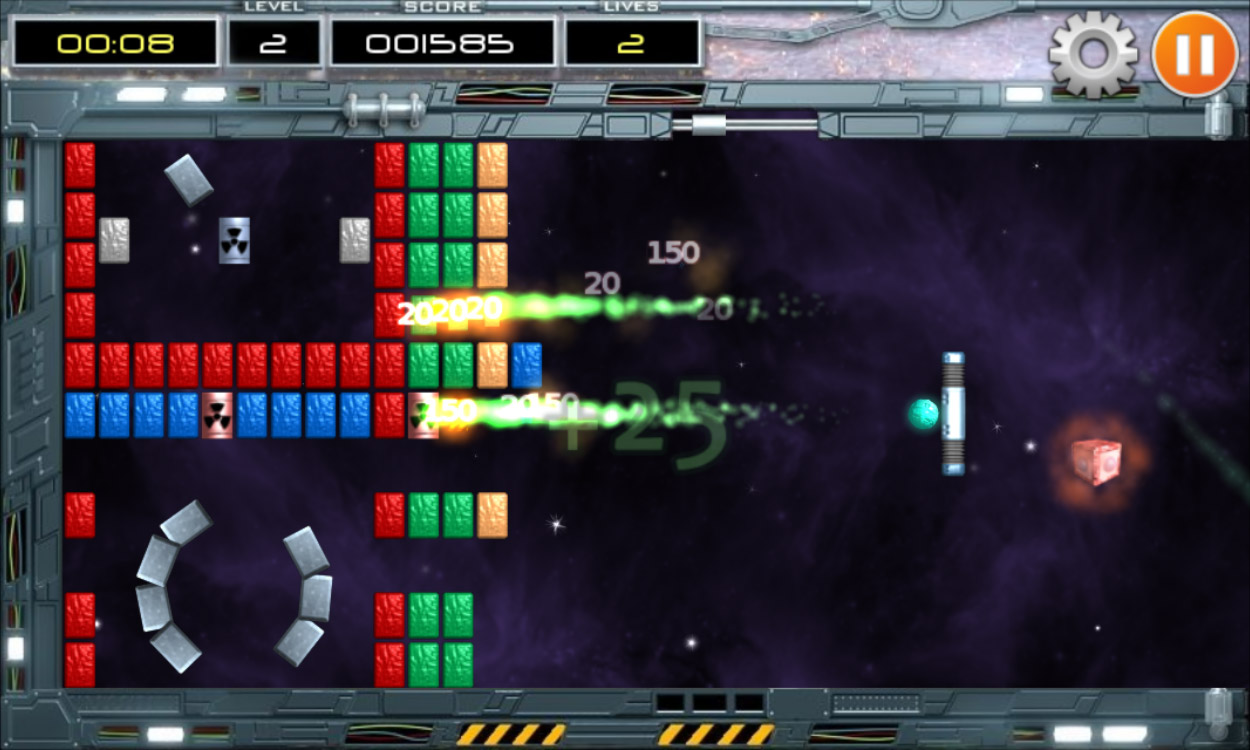
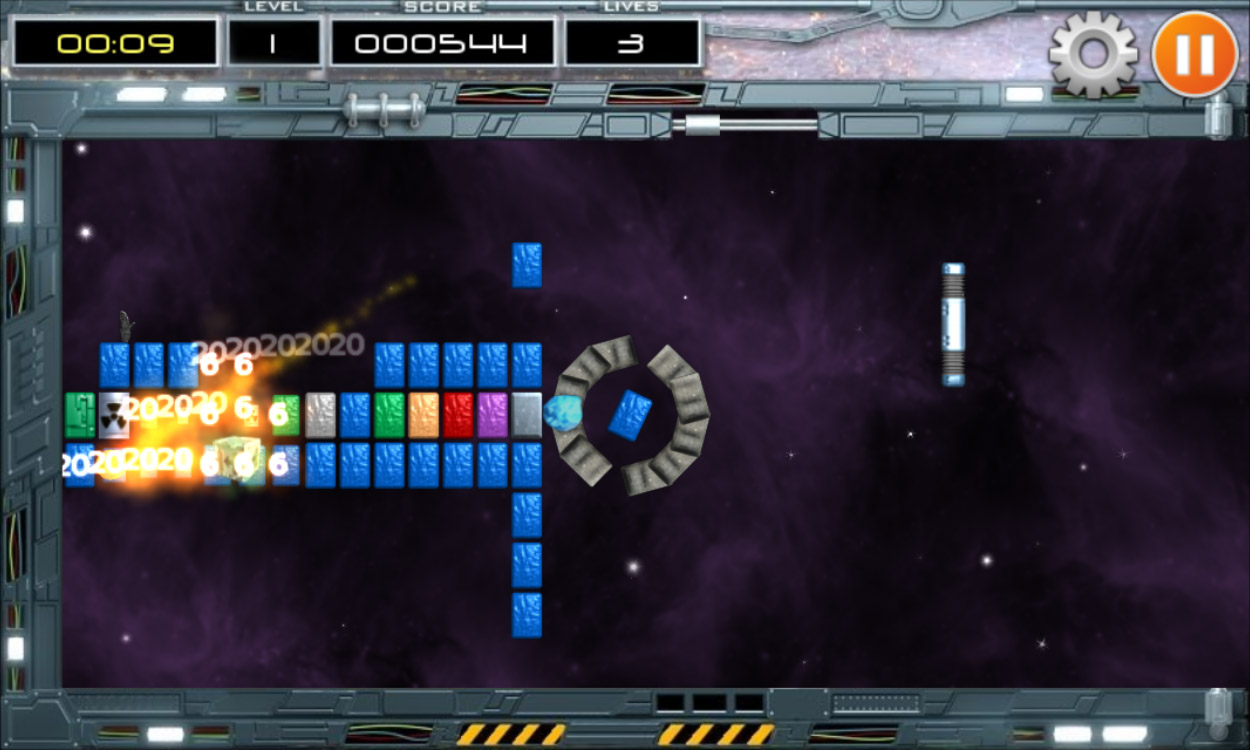
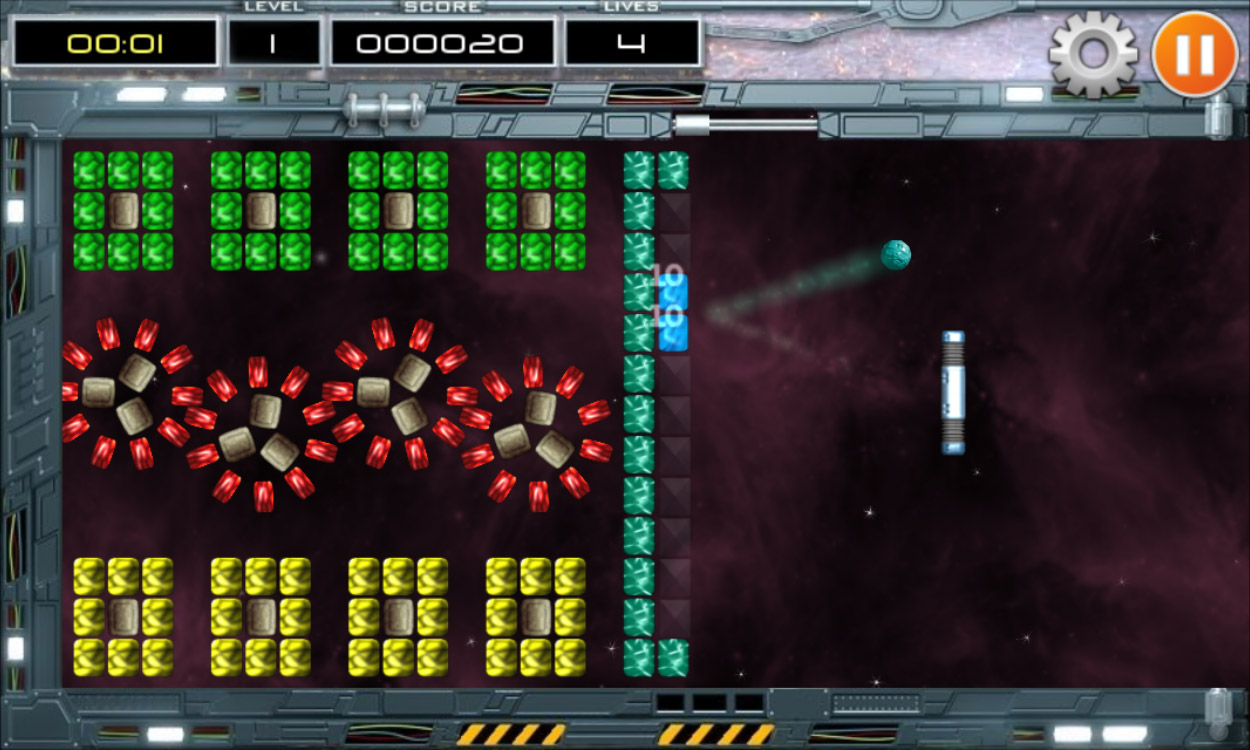
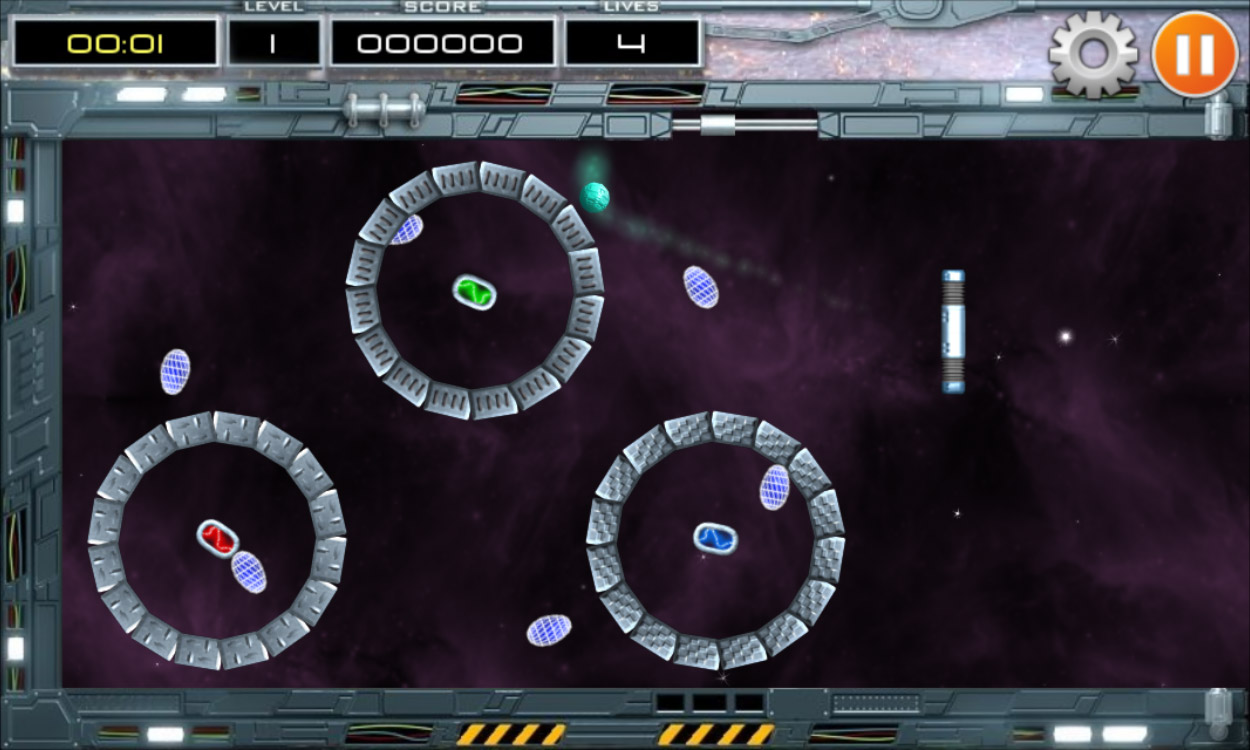
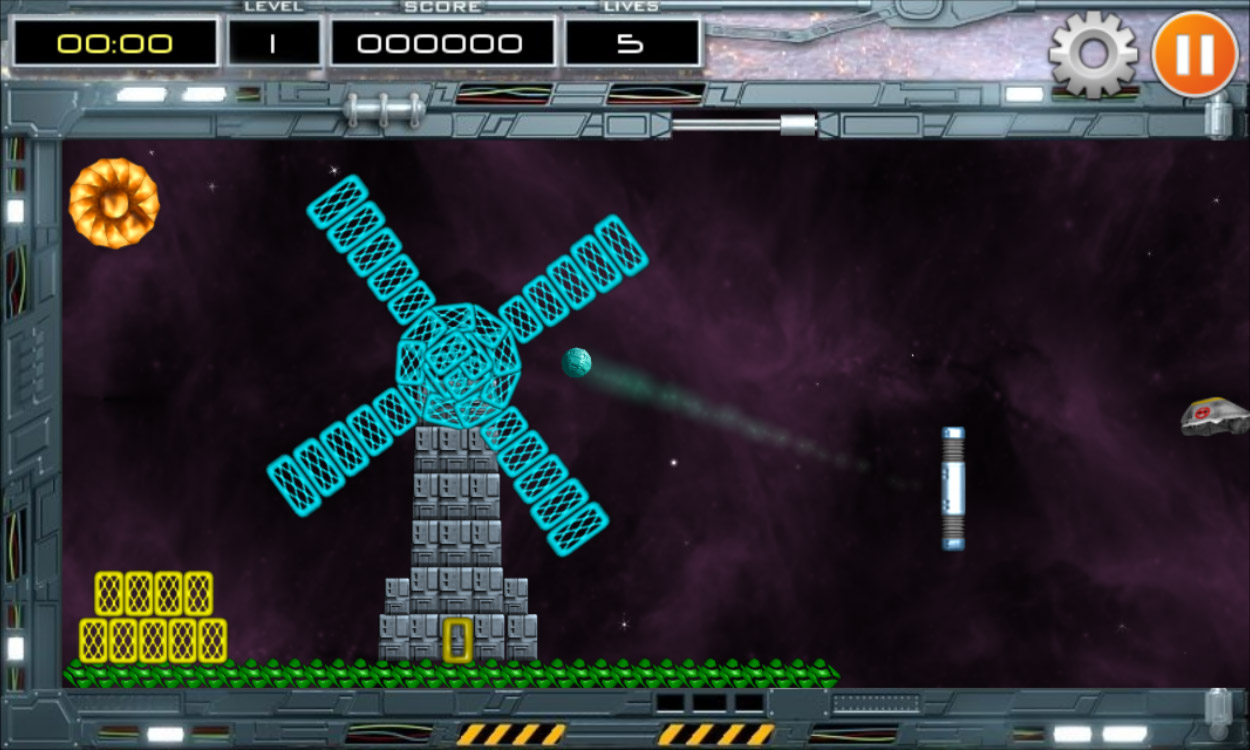
I created the first version of this game at my summer house over just two weekends in 2015. The full version differed only by minor interface tweaks, improvements to the wave generator, and Facebook integration.
The game featured saving and progress synchronization across devices, allowing players to exit on one device and continue on another. At the time, I thought this was a useful feature, but now I see it as an unnecessary use of time.
Most of the bugs in the game were originally made for another game that never saw the light of day. Yet in this game, they fit perfectly and added a unique charm. I designed the game interface myself using GIMP.
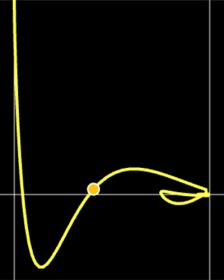
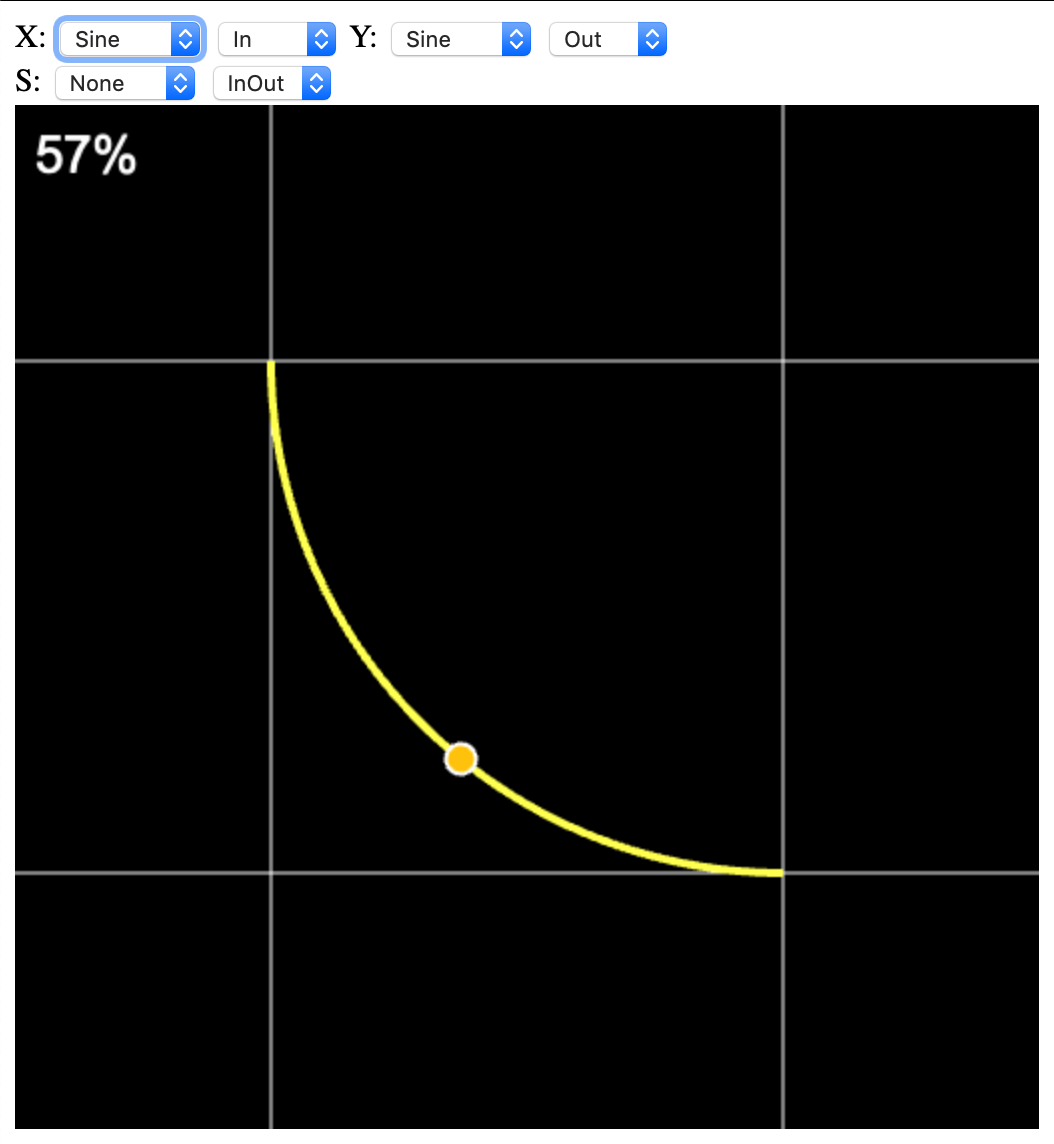
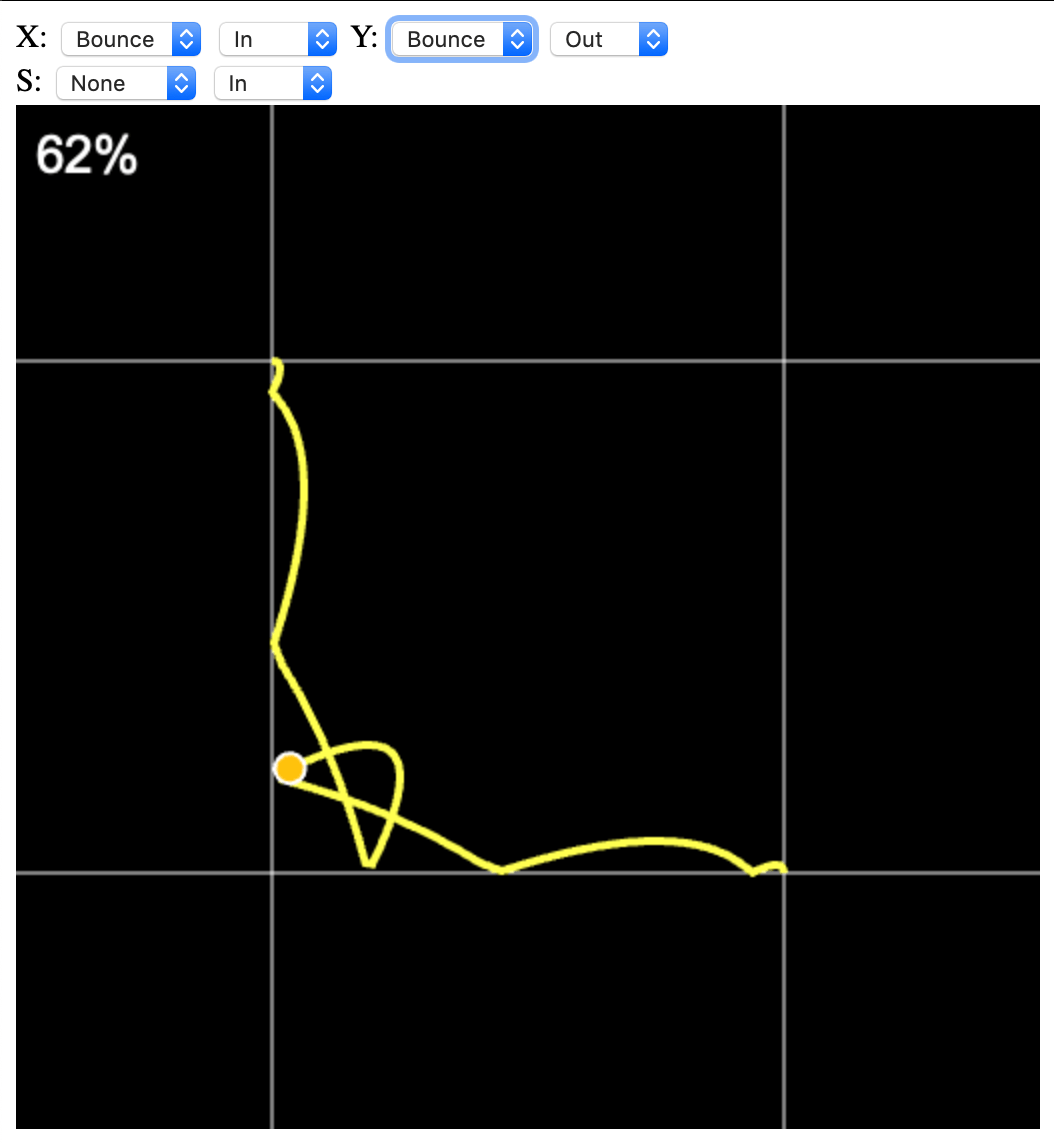
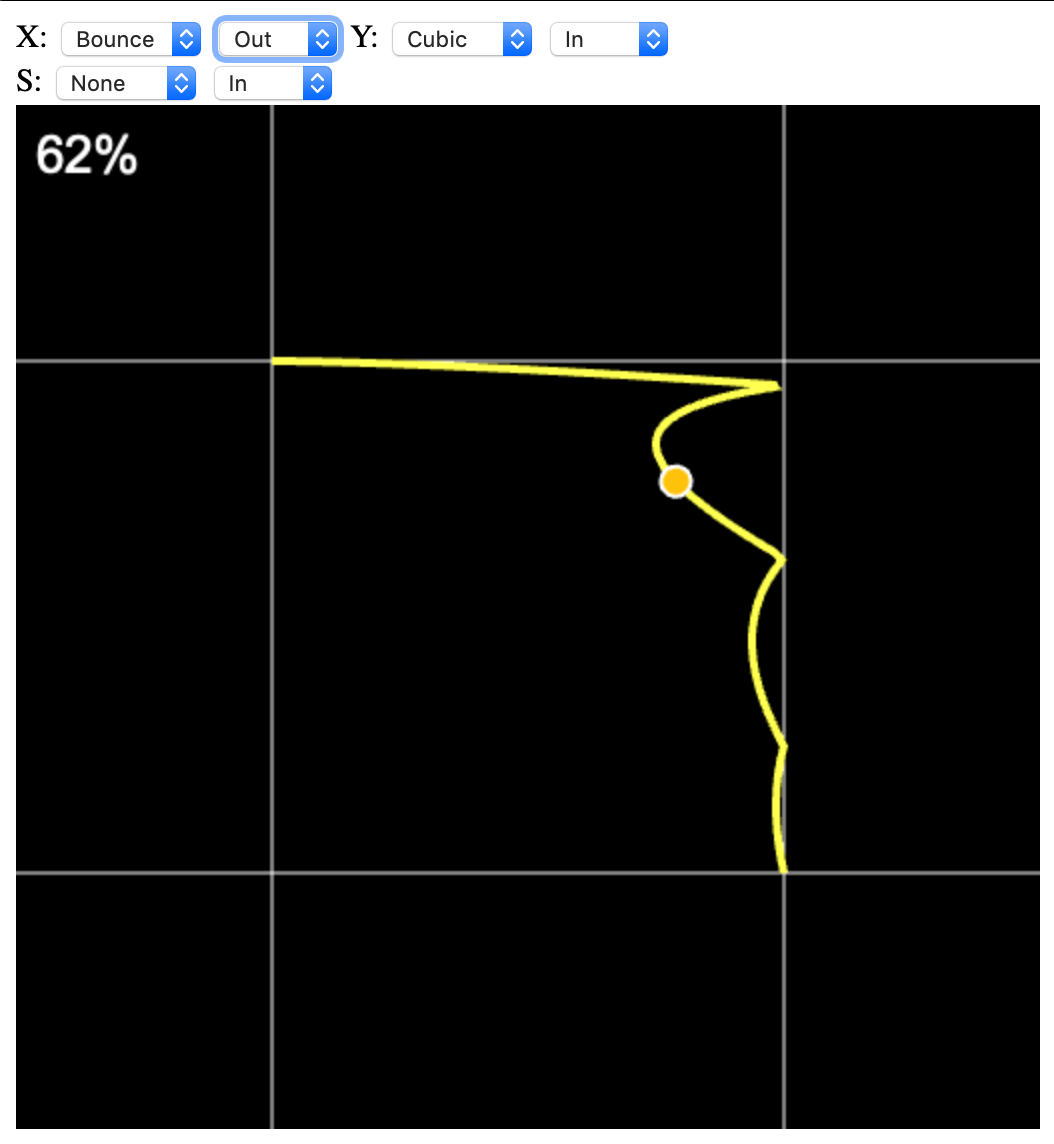
Это небольшой javascript-проект, предназначенный для визуализации комбинации твинов по двум осям + ось скейла.
Твины используются для нелинейной анимации различных объектов в играх и приложениях. Крайне полезная штука.
Написал его потому, что мне надоело подбирать комбинацию твинов в уме. Формулы для твинов брал из проекта Claw.
В своих проектах я использую C++ версию, в которой есть встроенная визуализация всего набора твинов, но подобрать нужную комбинацию проще в онлайн-версии.
Для себя я реализовал следующий набор твинов: Linear, Bounce, Back, Elastic, Quad, Cubic, Quart, Quint, Circle, Sine.
Game Programming Patterns by Robert Nystrom. В книге рассматриваются различные шаблоны проектирования, применительно к геймдеву. Это не что-то новое, а просто удобная подборка с примерами и доступным описанием. Крайне рекомендую к прочтению, читается и воспринимается книга легко.
Краткий список шаблонов, которые рассмотрены в книге: Command, Flyweight, Observer, Prototype, Singleton, State, Component, Event Queue и прочее.
На английском языке книга доступна в разных форматах на сайте автора. Есть и исходники, и переводы на русский язык.
Английская версия (оригинал) в различных форматах, включая бумажный вариант
This is one of the essential tools I use daily, helping me eliminate a significant amount of routine work.
Yes, it happens – I actually use my own creation daily.
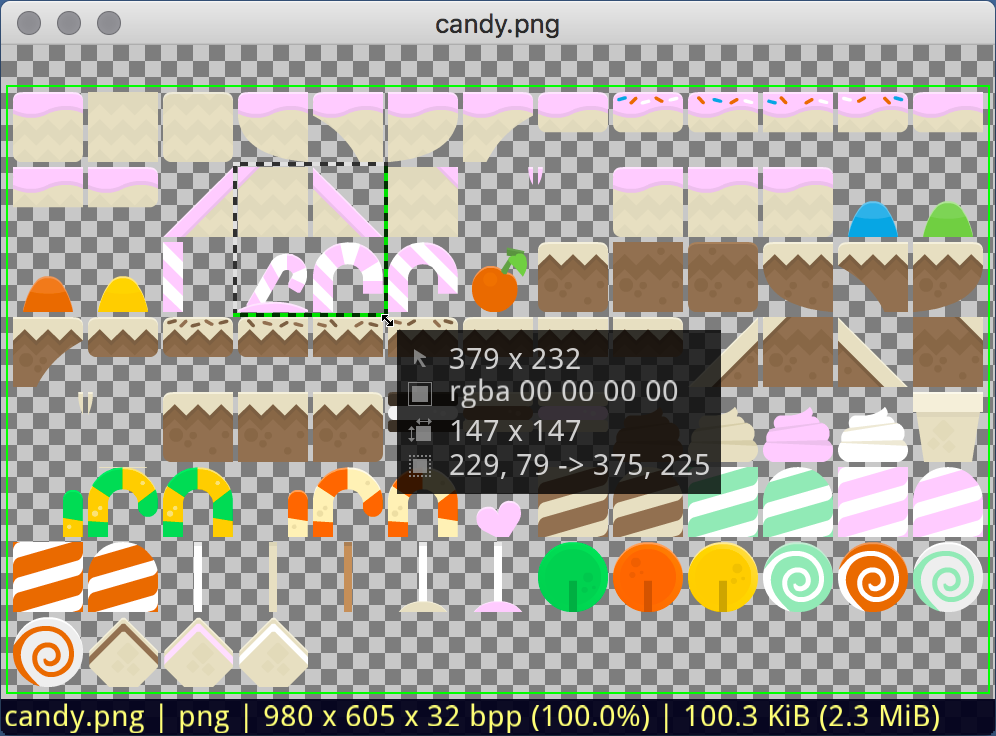
Texture Packer for Linux and macOS is a command-line utility that packs multiple input images into a single texture atlas. Its CLI nature makes it ideal for automation in various workflows.
Features
It’s quite fast’ve compared it to a “standard paid” packer.
It accepts both individual sprites and entire directories as input, with support for recursive directory processing.
It can generate Power-of-Two (PoT) atlases.
You can limit the maximum size of the atlas.
It can trim “excess” border pixels from input sprites.
It can add a border of a specified size around a sprite when placing it in the atlas.
It generates an XML file with the layout description of the placed sprites.
The utility was originally created for personal use, but is now available on GitHub – Texture Packer.
I worked on the engine and game code while at Synesis. Graphics, music, animations, and all other non-programming aspects were handled by other talented specialists.
I can’t go into full detail about the development process or the internal structure of the engine and game. Both the game and the engine – as well as the toolchain needed to build the game – were written in C++.
The development process itself was similar to most casual games: we chose the game concept, the artist/designer created sketches, and we approved them together. Animators and integrators then got involved, while I focused on writing the game code and, when necessary, refining the engine. Everything was then combined into a single project, resulting in a game for iOS and Android.
The idea was simple: “I’ll take Krakout and Arkanoid: Space Ball, quickly rework them, and release something new.” Yeah, right – wishful thinking. “Quickly” didn’t happen for several reasons: the old game code was useless, and even looking at it hurt my eyes; plus, the plan was to use a new (for that time) version of the engine and replace my old simplified math with the Box2D physics engine.
So the old projects “voluntarily shared” only some assets and ideas – the game itself was written entirely from scratch. Levels in the game were grouped into worlds – there were 10 worlds in total, each containing between 10 and 40 levels. To save time, some worlds were copied from previous games. But several levels and even entire worlds were newly designed. Different people worked on different levels and worlds.
Because the game’s levels were meant to be dynamic, an external editor was created for building episode worlds. Level data was stored in XML, describing object types, appearance, behavior, and durability. The editor worked with object groups – for example, a circular trajectory with radii R1 and R2, rotation speed and direction, and the number and type of objects on it. When loading a level, each object became independent in the game while still visually belonging to its group.
Krakoid on the OUYA TV console
Target platforms were iOS, Android, Android TV, OUYA, Linux, macOS, and Windows. Both the game and the engine were written in C++. Development was done under Linux, in my favorite editor – VIM.
At one point, a publisher from China requested the game. I had to implement special, localized payment methods. The tricky part was that each mobile operator had its own SDK for different payment systems. It was impossible to test integrations locally, so I had to rely on sparse documentation and my own experience. I don’t remember how long it took to implement all the payment options, but the work was eventually completed. A special build of the game was sent to the publisher for testing – after which the publisher disappeared.
And that wasn’t the first publisher to vanish after receiving a build.
Статья «Как заставить неправильный код выглядеть неправильно», поясняет в чем отличие Венгерской для Приложений (Apps Hungarian) от Системной Венгерской. Я давно перестал использовать Венгерскую нотацию, которая на самом деле была Системной Венгерской. Но только сейчас понял, почему мне она казалась несколько странной.
Системная Венгерская
char szVar[]; // ясен только тип переменной, но не ее назначение
unsigned long ulVar; // аналогично
Венгерская для Приложений
float spriteWidth; // ширина спрайта
int currentPage; // индекс текущей страницы
Более подробно написано в статье и в ссылках в конце статьи.
Manage Consent
To provide the best experiences, we use technologies like cookies to store and/or access device information. Consenting to these technologies will allow us to process data such as browsing behavior or unique IDs on this site. Not consenting or withdrawing consent, may adversely affect certain features and functions.
Functional
Always active
The technical storage or access is strictly necessary for the legitimate purpose of enabling the use of a specific service explicitly requested by the subscriber or user, or for the sole purpose of carrying out the transmission of a communication over an electronic communications network.
Preferences
The technical storage or access is necessary for the legitimate purpose of storing preferences that are not requested by the subscriber or user.
Statistics
The technical storage or access that is used exclusively for statistical purposes.The technical storage or access that is used exclusively for anonymous statistical purposes. Without a subpoena, voluntary compliance on the part of your Internet Service Provider, or additional records from a third party, information stored or retrieved for this purpose alone cannot usually be used to identify you.
Marketing
The technical storage or access is required to create user profiles to send advertising, or to track the user on a website or across several websites for similar marketing purposes.