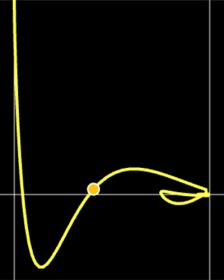
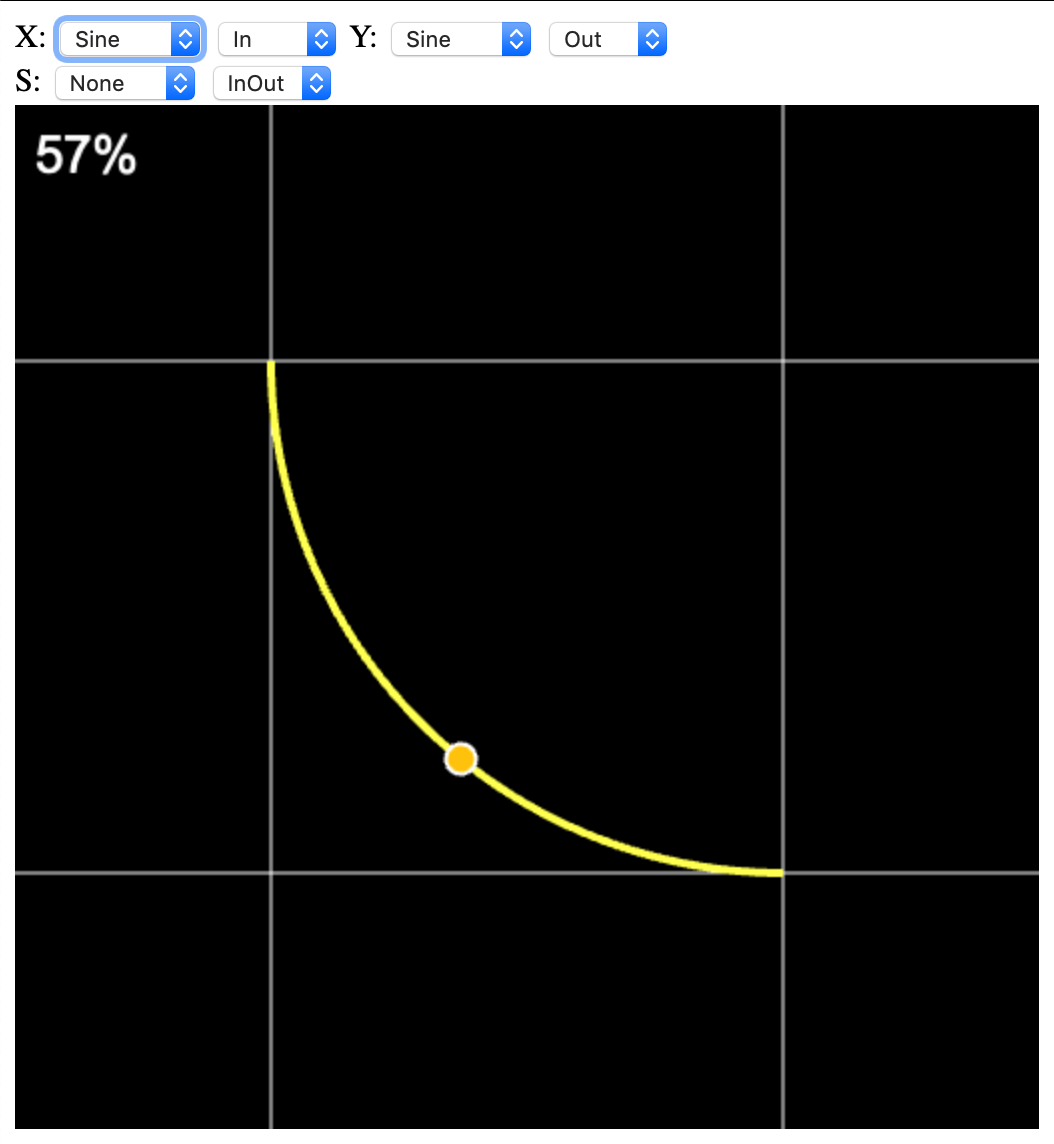
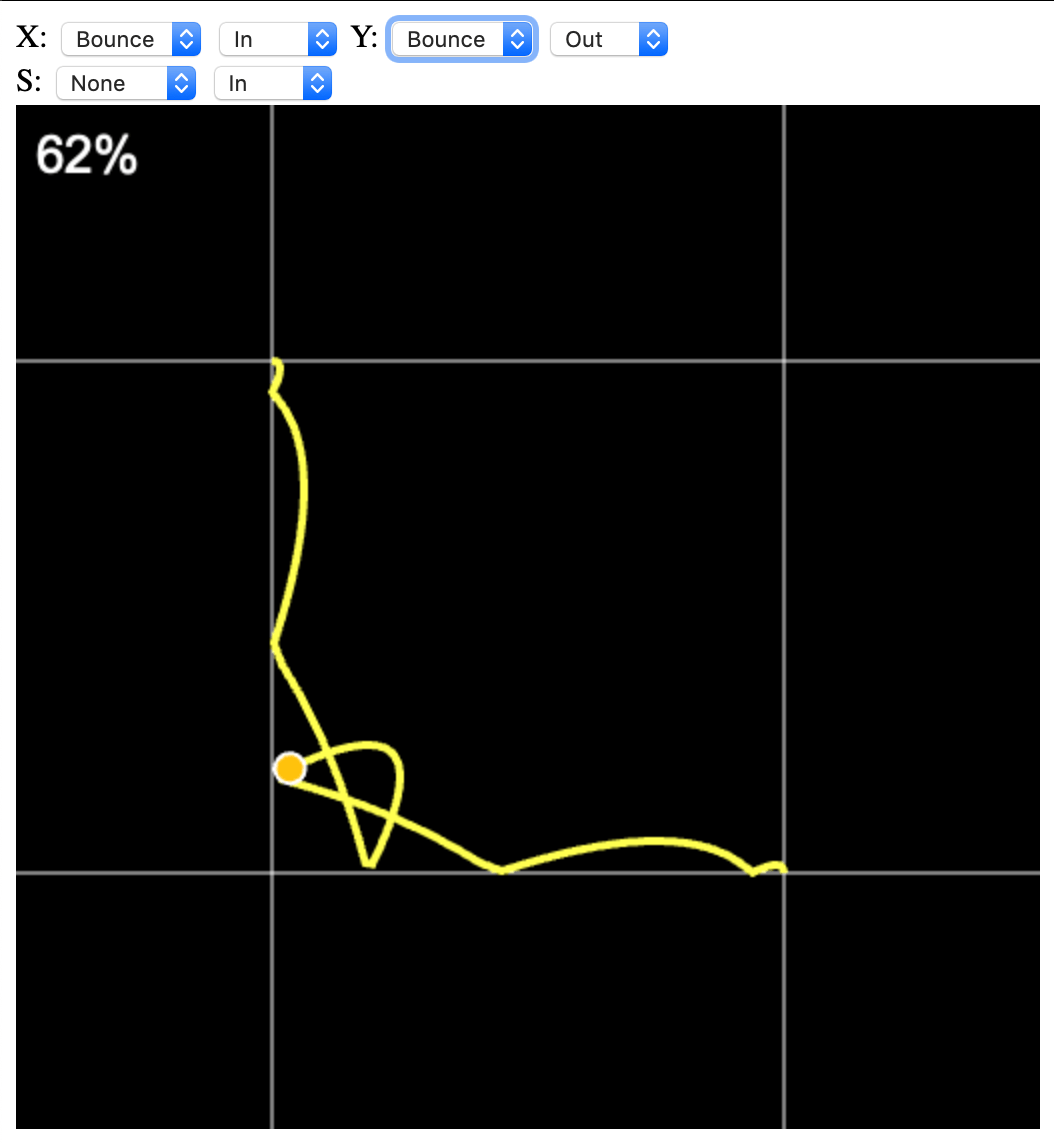
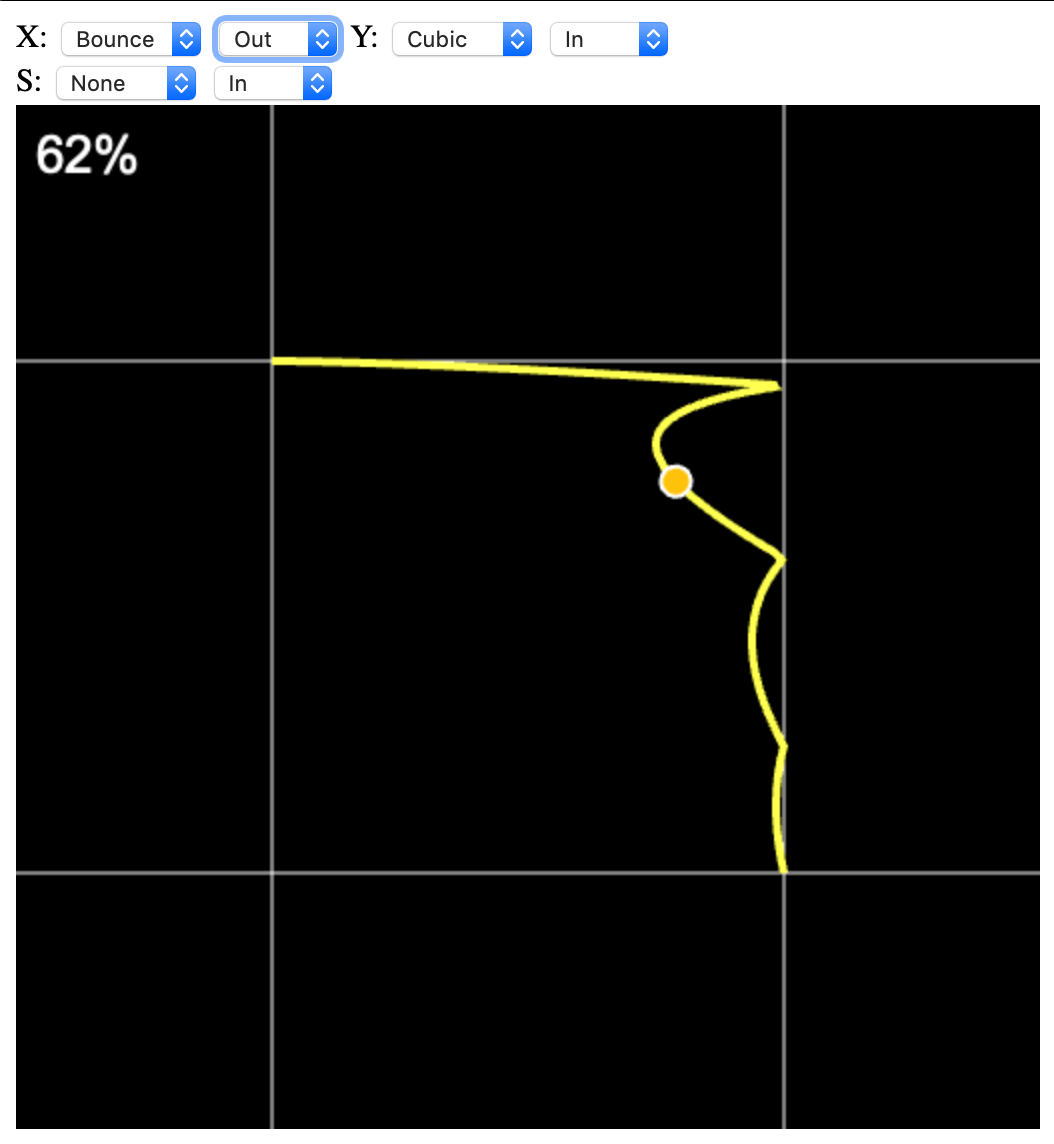
Это небольшой javascript-проект, предназначенный для визуализации комбинации твинов по двум осям + ось скейла.
Твины используются для нелинейной анимации различных объектов в играх и приложениях. Крайне полезная штука.
Написал его потому, что мне надоело подбирать комбинацию твинов в уме. Формулы для твинов брал из проекта Claw.
В своих проектах я использую C++ версию, в которой есть встроенная визуализация всего набора твинов, но подобрать нужную комбинацию проще в онлайн-версии.
Для себя я реализовал следующий набор твинов: Linear, Bounce, Back, Elastic, Quad, Cubic, Quart, Quint, Circle, Sine.
«Brainfuck придуман Урбаном Мюллером (нем. Urban Müller) в 1993 году, известен своим минимализмом. Название языка можно перевести на русский как вынос мозга, оно напрямую образовано от английского выражения brainfuck (brain — мозг, fuck — иметь половое сношение), т. е. заниматься ерундой. Язык имеет восемь команд, каждая из которых записывается одним символом. Исходный код программы на Brainfuck представляет собой последовательность этих символов без какого-либо дополнительного синтаксиса».
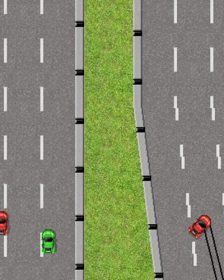
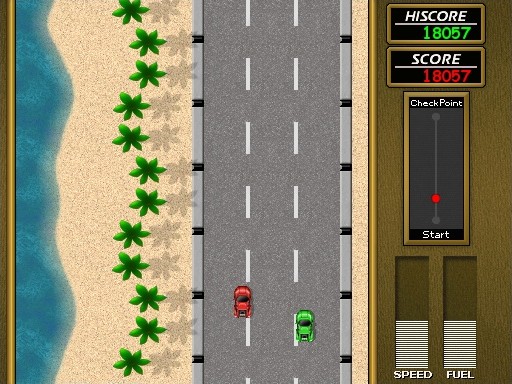
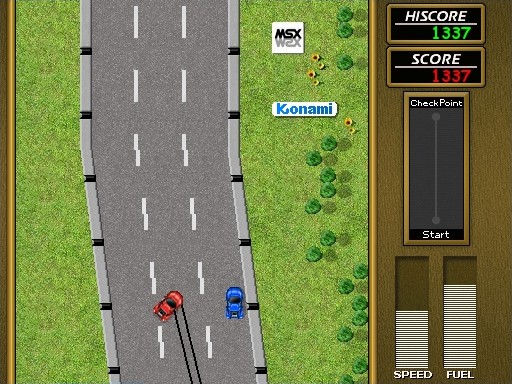
Road Fighter is an arcade racing video game developed by Konami and released as an arcade machine on December 7, 1984. Later, versions were released for MSX1 computers (1985) and the Nintendo Entertainment System (1985 in Japan, 1991 in Europe).
In 2003, Retro Remakes organized a “remake competition,” where participants were challenged to recreate a game from scratch in a short time. The team Brain Games decided to participate with a remake of Road Fighter for MSX.
What I did
The source code of the game was available on the Brain Games website, which I used. I informed the original clone author about my work – amusingly, he was happy and said he was looking forward to the web version.
First, I did a small code refactoring to make the game compile with a modern compiler using the “modern” version of SDL 1.2. Then I performed a larger code refactoring – dividing the code into logical parts and making it readable (here, my favorite VIM and clang-format were very helpful). Next, I had to make fixes to the sge library code required by the game.
After that, I ported the game to Linux and macOS, and six months later, I finally completed the port to Web.
Main challenges
The Web version was the most troublesome. At first, the game wouldn’t run at all – this was because the main loop needs to be slightly different for Emscripten (and generally for any properly designed architecture).
The next issue was clearing the screen (or filling it with black). You can’t just use zero; the zero must have an alpha of 0xff.
Later, the game seemed to freeze when loading a level – it turned out it wasn’t frozen, just very slow to load. I had to make many optimizations, mainly related to direct access to SDL surfaces. I solved this by removing Lock/Unlock calls from the main loops.
Another problem appeared when the car spins after a collision and skid marks must be drawn. Drawing lines was extremely slow, and they were never cleared even when off-screen. Moving the lock outside the loop and clearing the line list solved the issue.
I also improved file system handling, video and audio initialization, and music and sound loading. There were many changes – too many to remember. Anyone interested can compare the original game (the first commit) with the current master branch.
I might eventually add save-state support for the Web version. It’s not hard – synchronizing the “local” file system before reading is sufficient. IDBFS is perfect for this, but I haven’t gotten around to it yet.
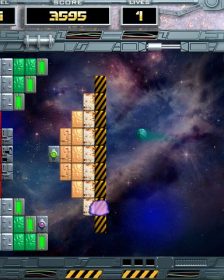
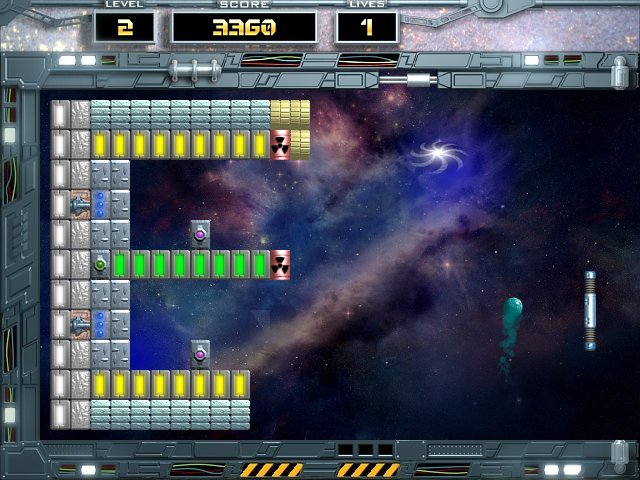
Arkanoid: Space Ball will be a surprise for the amateurs of unusual and picturesque games as Arkanoid and space games. Everybody who wishes to spend time perfectly will take a pleasure in Arkanoid: Space Ball too. A futuristic atmosphere, modern techno-style graphics, a dynamical gameplay and an excellent soundtrack give this game as a present for all Arkanoid’s admirers.
You have to clear a lot of platforms-levels soaring in space, and meteorites, spacecrafts and guns of enemies constantly will be threatened your life. Numerous bonuses dropped out from the broken blocks will help you to pass all obstacles: the laser, the rocket launcher, force fields and many other things. Game is distinguished by the features interesting and unusual for classical Arkanoid: horizontally oriented break block formation, moving and shooting bricks, Gravitational anomalies effects to flights of the balls and missiles, etc. In short, whether you are a teenager, student, parent or grandparent, you will instantly fall in love with this exciting game.
Main features
Level generator – non stop gameplay
Level editor – create your own worlds
2 modes to play – usual arcade mode and krakout mode
Original bonuses and power-ups – use it carrefuly
Unusual space objects – we are in space, who know what come
ICC color profile support: Ensures accurate color reproduction using embedded ICC profiles.
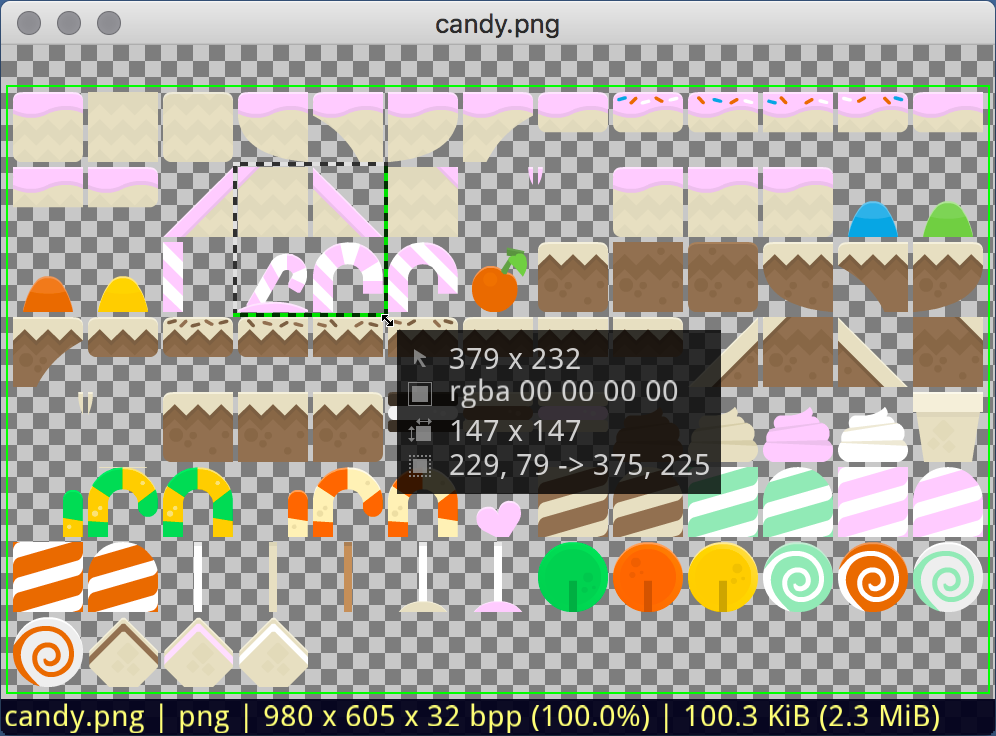
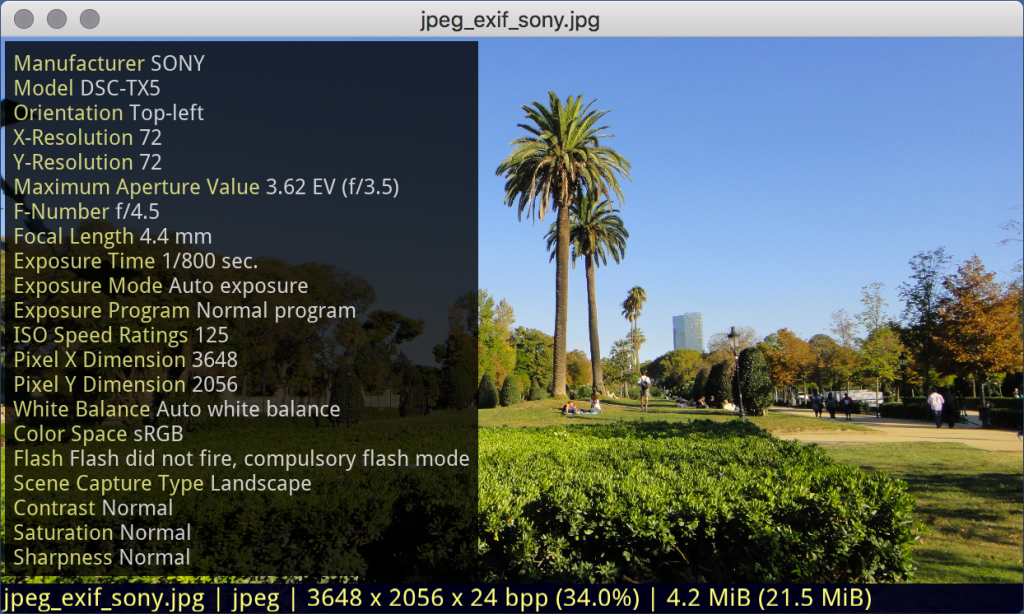
Image file information: Access EXIF and other data stored in the image file (<e>).
Smooth loading: Loads images in a separate thread with a progress indicator.
Convenient navigation: Creates a file list and allows quick navigation to the desired position.
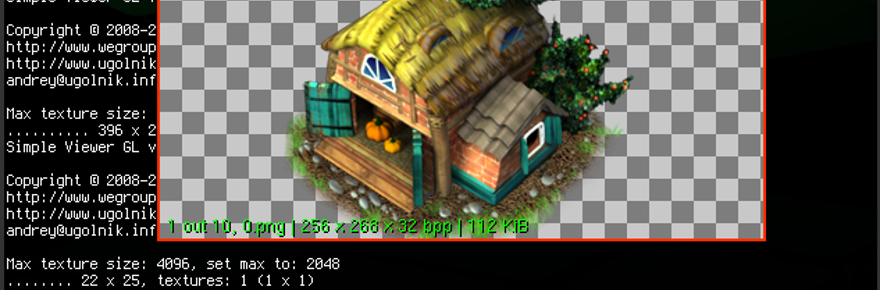
GIF animation support: Plays animated images in GIF format.
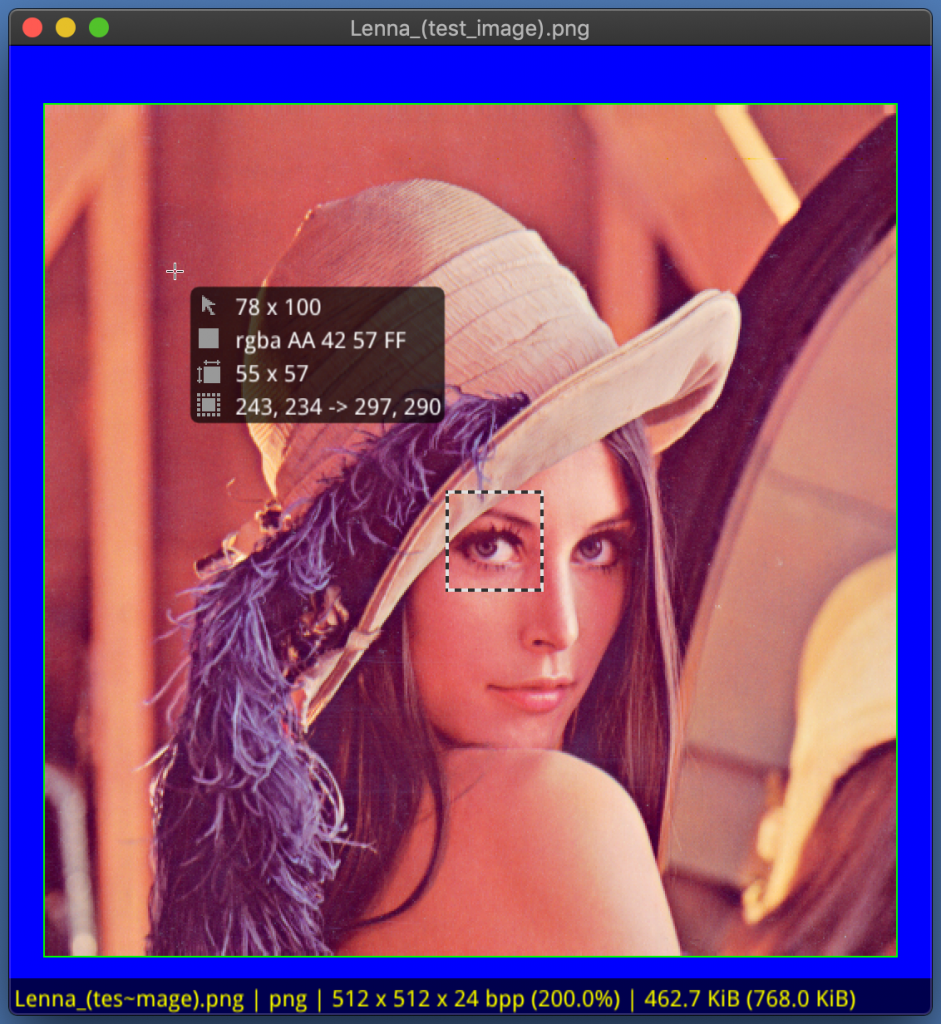
Pixel information: Displays the coordinates and color of the pixel under the cursor (key -p or <p>).
Area selection: Allows selecting a part of the image with a frame to determine coordinates and area size.
Quick zooming: Convenient zooming of the image using the keyboard or mouse.
Automatic scaling: Automatically adjusts the image to fit the viewer window.
Multi-page images: Views multi-page images using the PgUp and PgDn keys.
OpenGL: Utilizes OpenGL for high performance and smooth operation.
Large image splitting: Splits large images into multiple textures for performance optimization.
Simple Viewer GL source code is available on GitHub.
Manage Consent
To provide the best experiences, we use technologies like cookies to store and/or access device information. Consenting to these technologies will allow us to process data such as browsing behavior or unique IDs on this site. Not consenting or withdrawing consent, may adversely affect certain features and functions.
Functional
Always active
The technical storage or access is strictly necessary for the legitimate purpose of enabling the use of a specific service explicitly requested by the subscriber or user, or for the sole purpose of carrying out the transmission of a communication over an electronic communications network.
Preferences
The technical storage or access is necessary for the legitimate purpose of storing preferences that are not requested by the subscriber or user.
Statistics
The technical storage or access that is used exclusively for statistical purposes.The technical storage or access that is used exclusively for anonymous statistical purposes. Without a subpoena, voluntary compliance on the part of your Internet Service Provider, or additional records from a third party, information stored or retrieved for this purpose alone cannot usually be used to identify you.
Marketing
The technical storage or access is required to create user profiles to send advertising, or to track the user on a website or across several websites for similar marketing purposes.