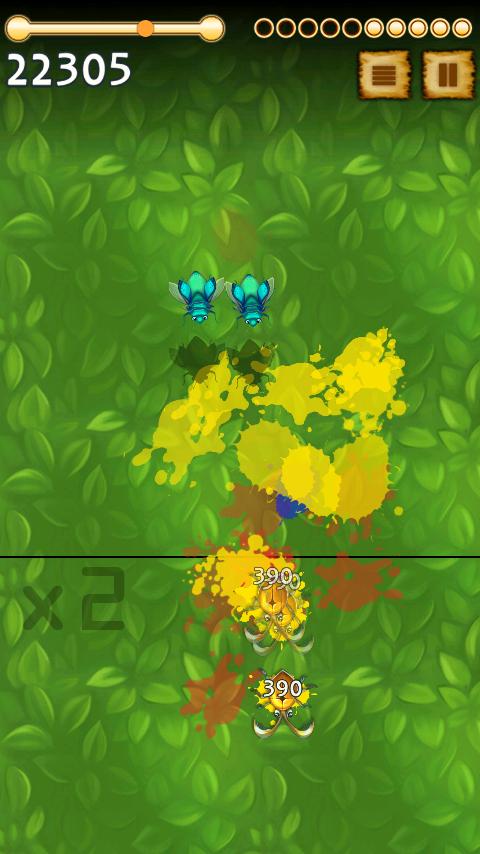
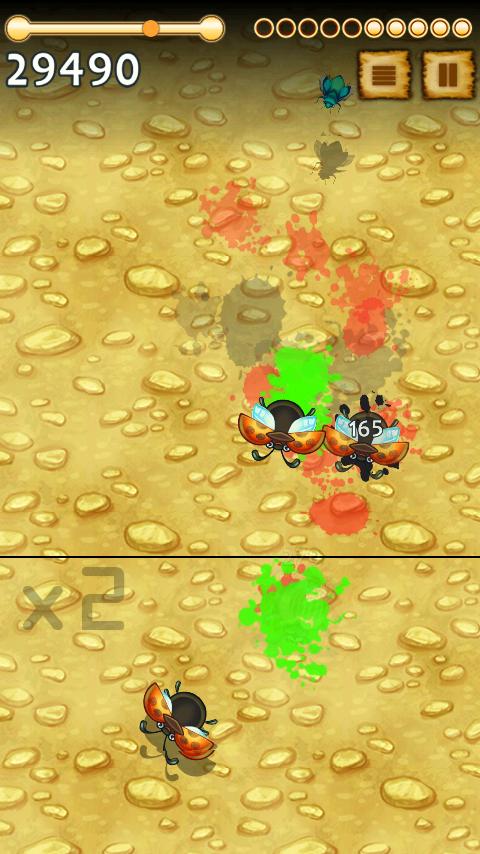
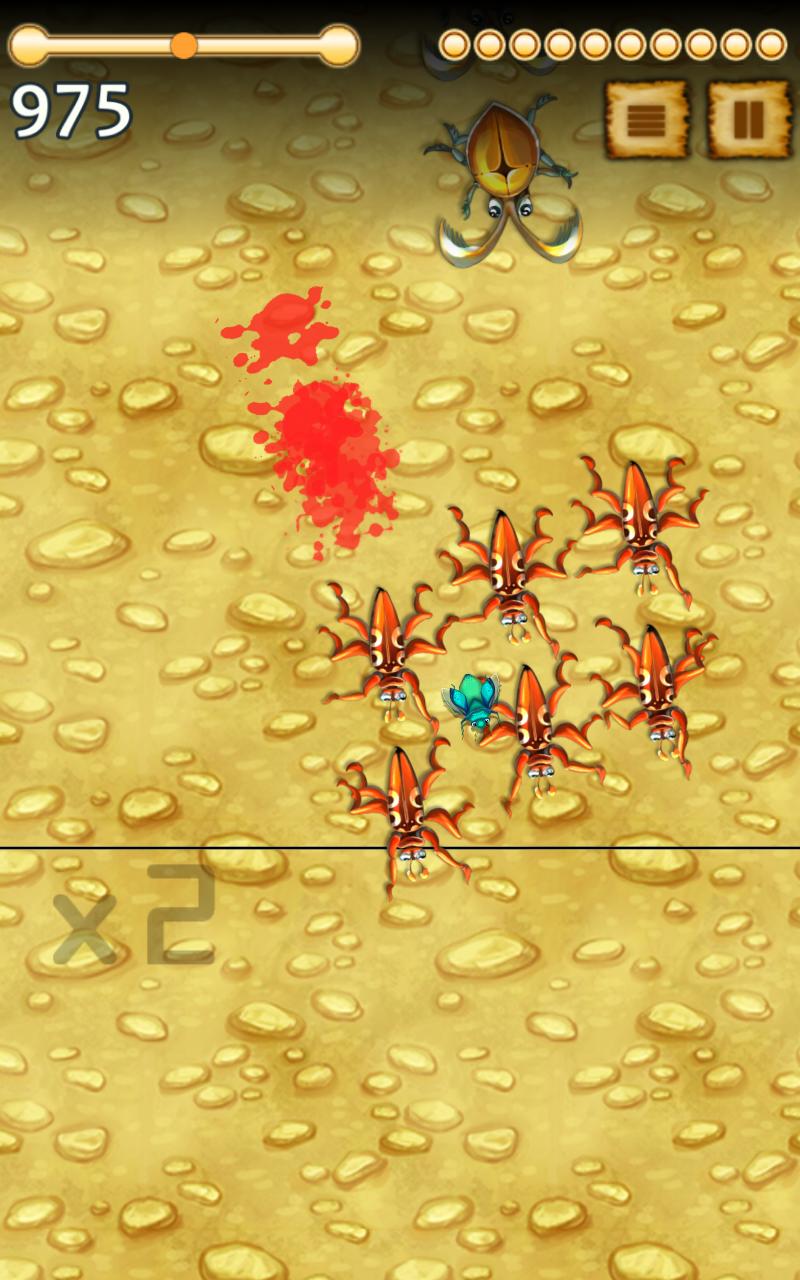
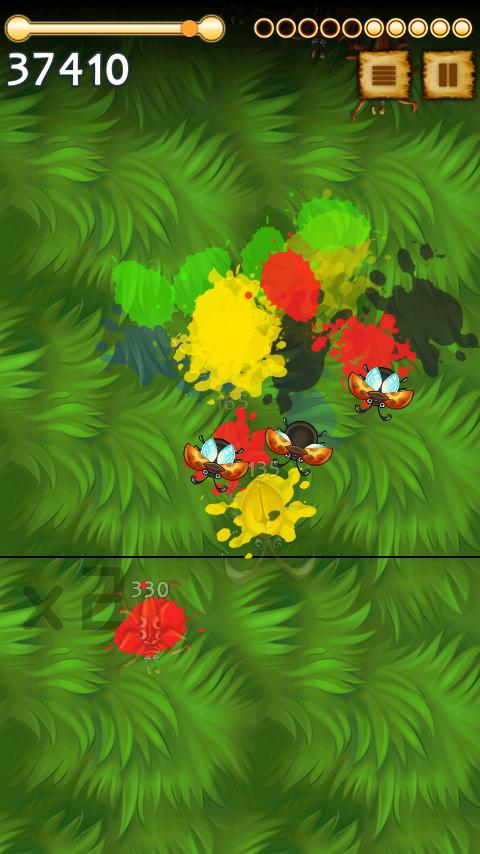
I created the first version of this game at my summer house over just two weekends in 2015. The full version differed only by minor interface tweaks, improvements to the wave generator, and Facebook integration.
The game featured saving and progress synchronization across devices, allowing players to exit on one device and continue on another. At the time, I thought this was a useful feature, but now I see it as an unnecessary use of time.
Most of the bugs in the game were originally made for another game that never saw the light of day. Yet in this game, they fit perfectly and added a unique charm. I designed the game interface myself using GIMP.
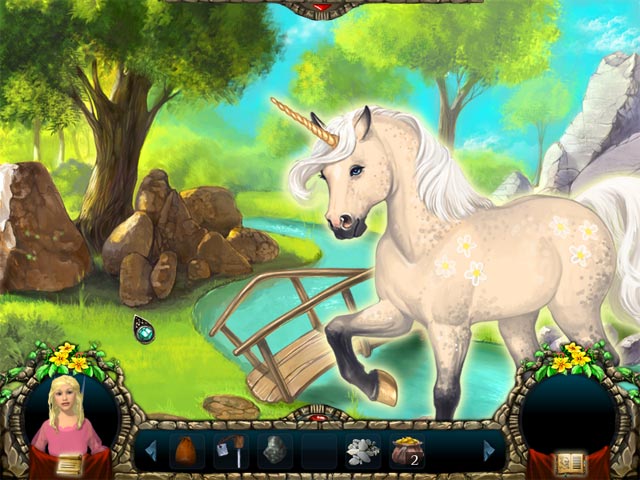
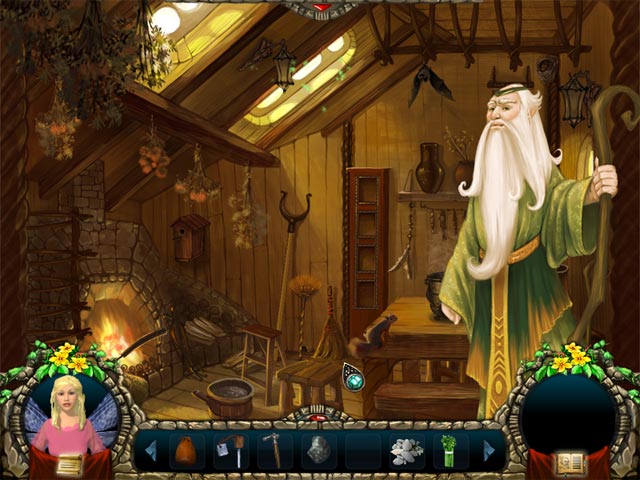
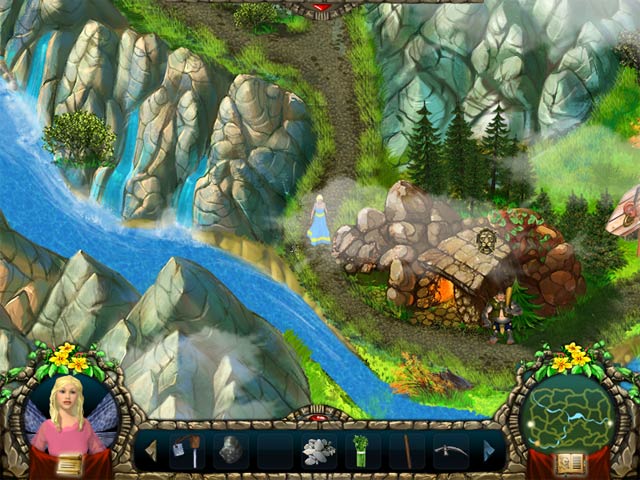
This is a highly engaging hidden-object game featuring numerous mini-games and tasks.
The game was developed by a team of three to four people, but the team composition changed several times, so the total number of developers was roughly twice as many. In addition, marketers, documentation creators, and a project manager also contributed… I can’t provide all the details, especially since I’ve forgotten much of it.
The game was developed under Linux using Code::Blocks. The target platforms were Windows and macOS. The engine was a heavily modified HGE, primarily to support Linux and macOS. Here, the SDL library and its companions — SDL_sound, SDL_image — proved very useful.
The game was released around 2010. As far as I know, it is still available on various publishers’ websites.
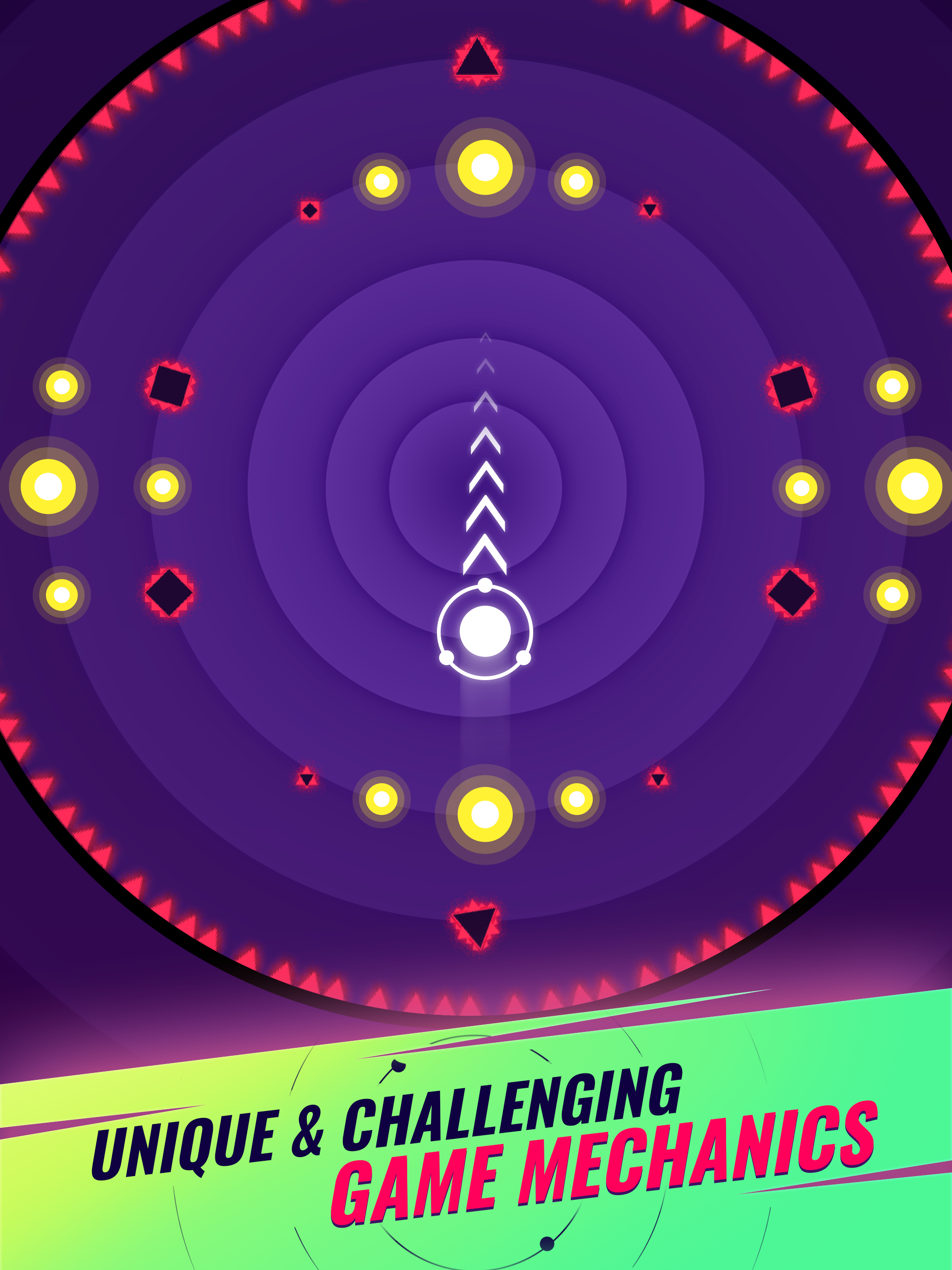
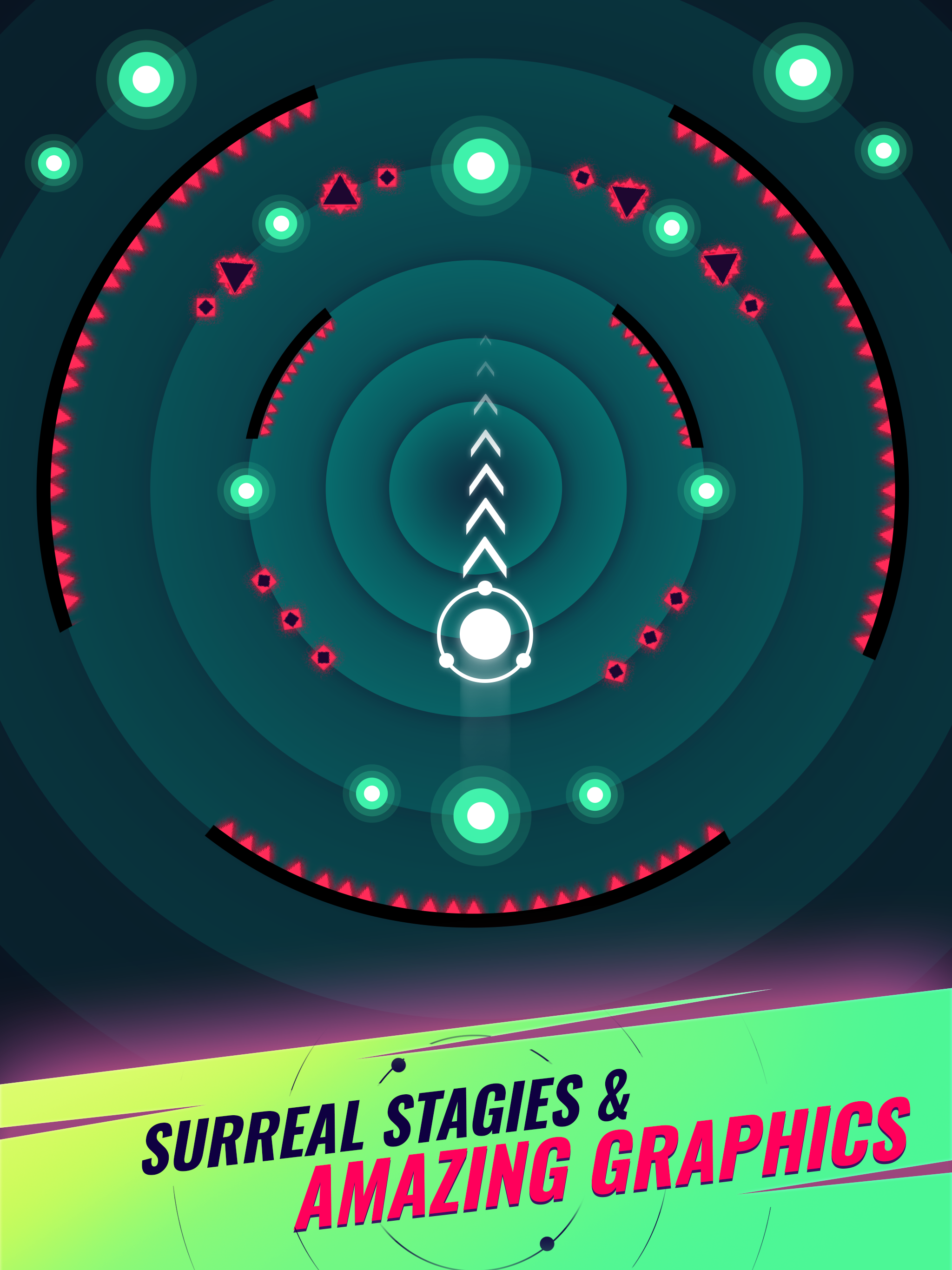
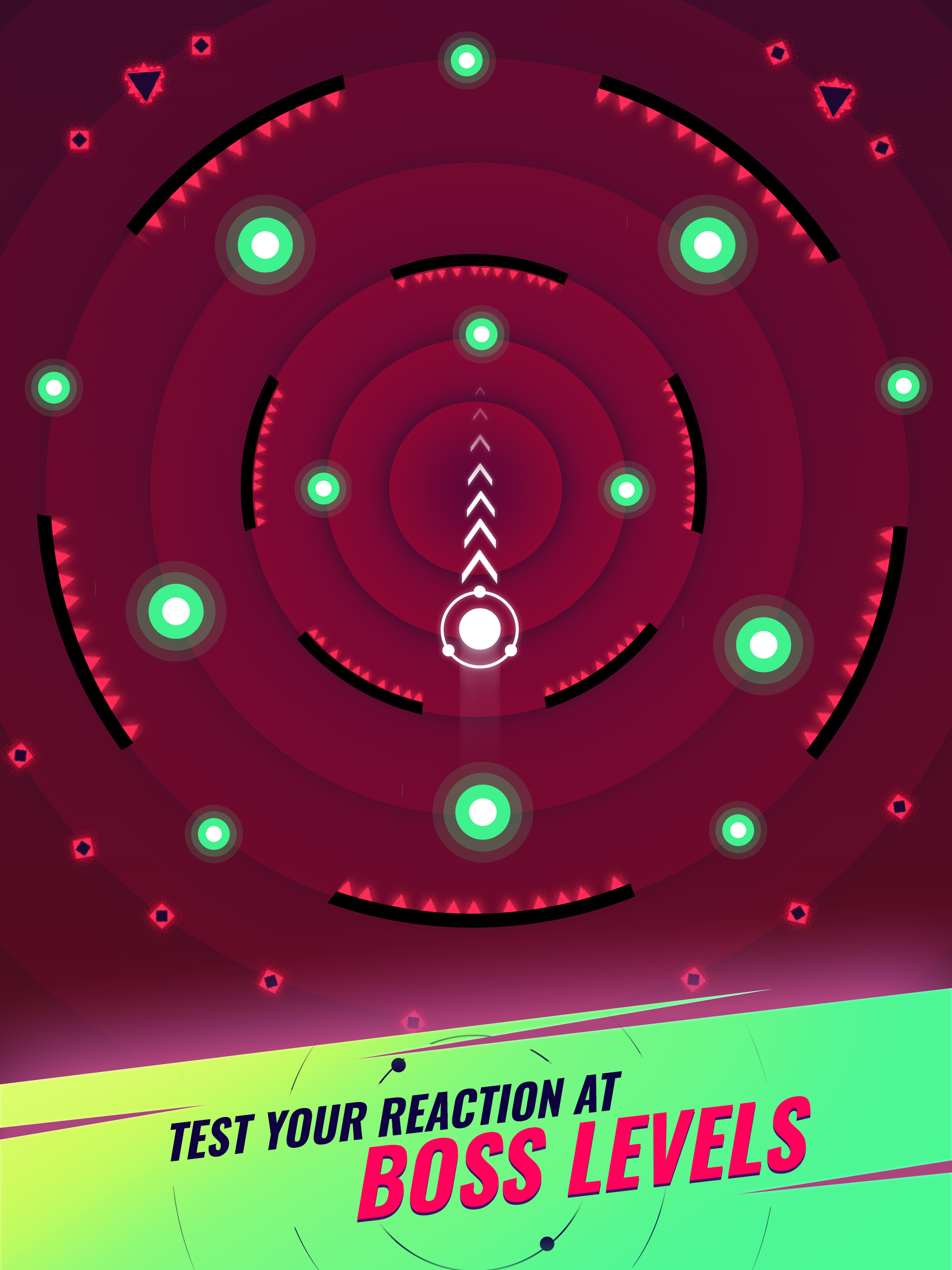
Ripple Jump is a hyper-casual game inspired by UQ42. Both projects were developed by a small team of four, using my custom C++ engine. The original plan was to hand the game over to a publisher, but unfortunately it didn’t perform well in terms of metrics. I believe the main issues were the level balance, excessive difficulty at times, and a lack of dynamic gameplay in certain situations.
The first version came together fairly quickly, but the final build ended up consuming far too much time. One of my biggest mistakes was trying to please every “expert” who had an opinion on how a feature should be implemented. Their advice often led to unnecessary changes, while none of them were risking their own time or money. Looking back, this was a significant factor in the project’s failure.
Although the game never had a built-in editor, it did include the ability to load balance settings and custom levels externally, and even launch arbitrary levels. Naturally, this functionality was disabled in the release build.
Ripple Jump supports both portrait and landscape orientations. The mechanics are simple enough that it could be played not only on mobile devices, but also on Android TV, Apple TV, or even desktop in landscape mode. Development began on macOS with support for macOS and Web builds, and closer to release I added projects for iOS and Android.
It’s unfortunate that the game turned out to be a commercial failure, because I truly like both the art style and the core idea. Maybe someday I’ll revisit the project, rework the level balance, add a few new mechanics to improve variety, and build proper versions for Apple TV and Android TV.
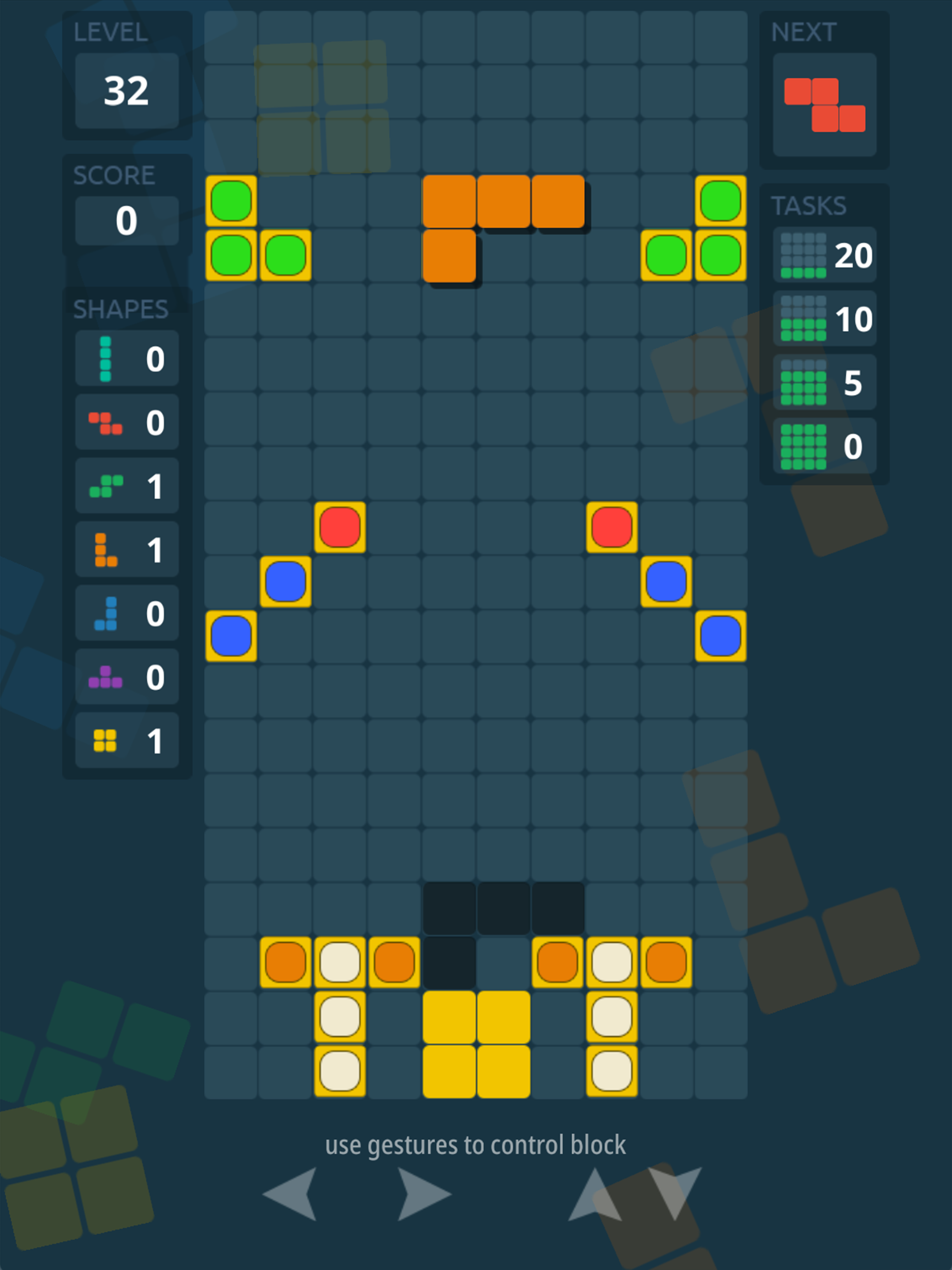
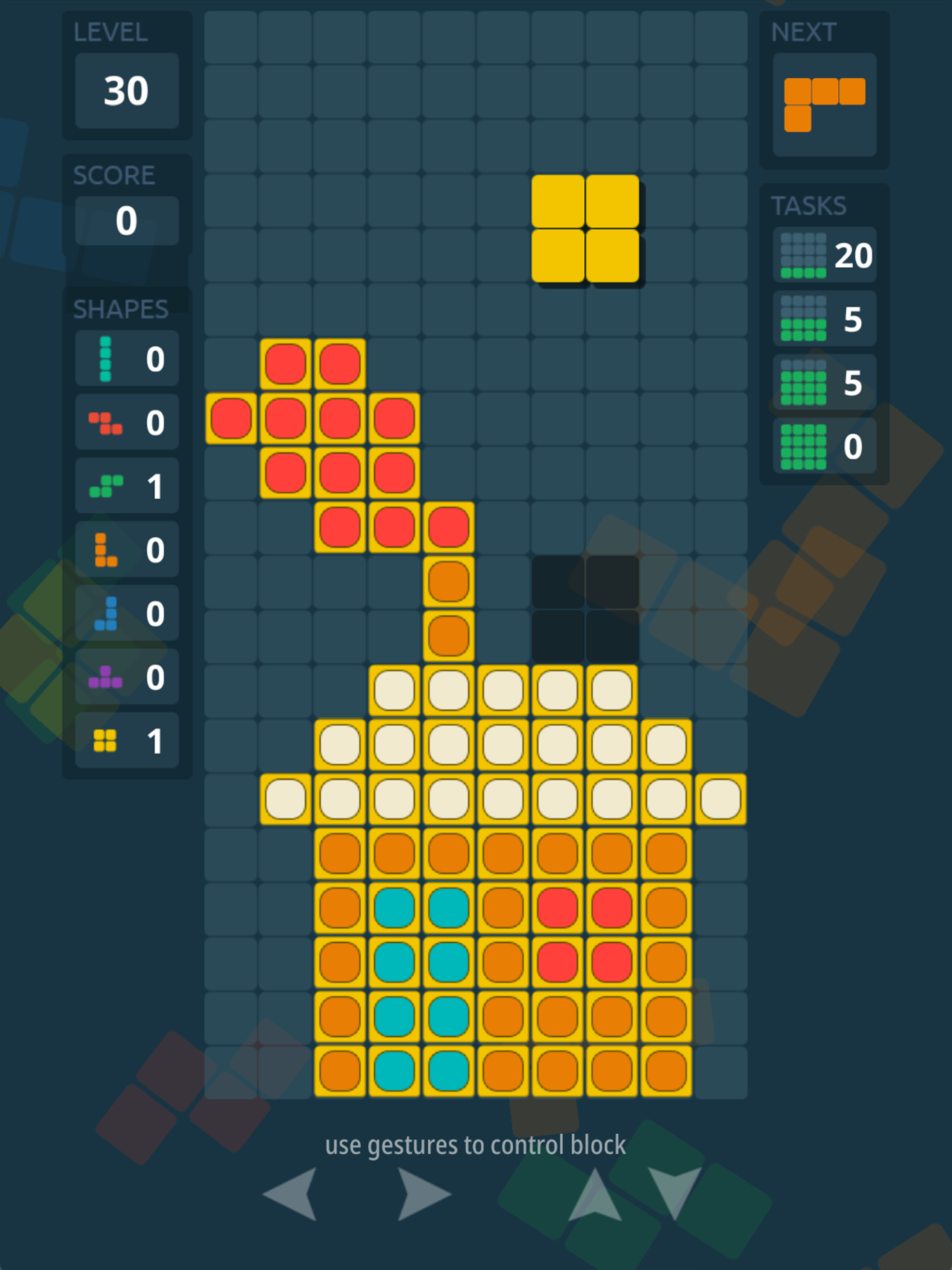
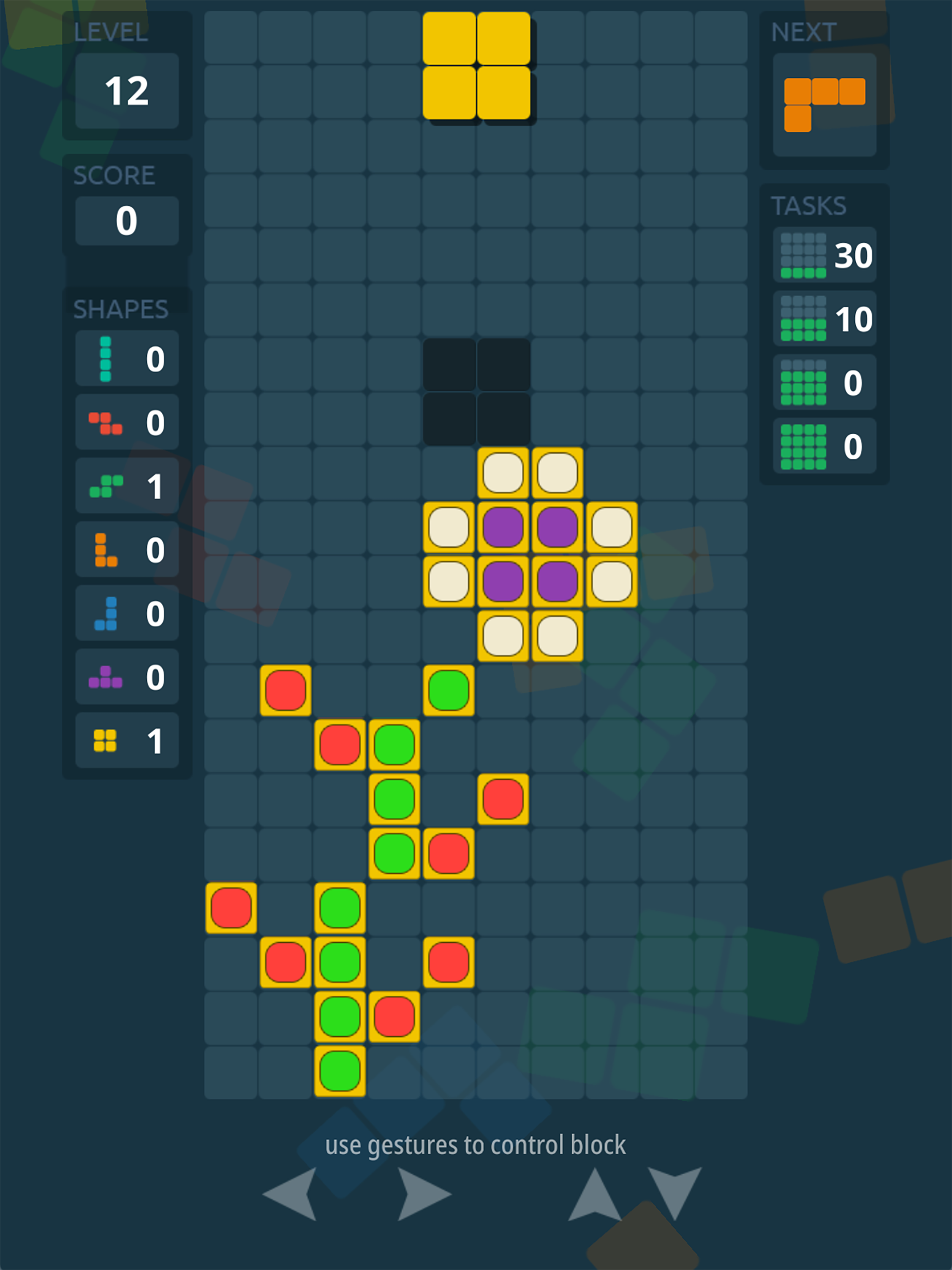
Tricky Blocks is a classic Tetris-style game with expanded gameplay. Players progress through levels by completing various objectives. These can include destroying a specific shape or clearing a certain number of lines – single, double, triple, or even quadruple.
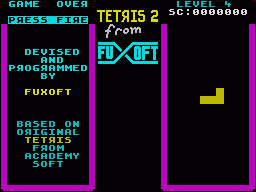
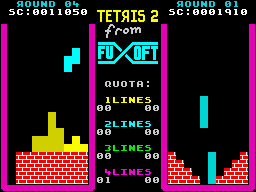
The game is inspired by the original Tetris from Fuxoft. Below are a few screenshots of the original game running on the ZX-Spectrum.
On mobile devices, the game is controlled via gestures, while on the web and desktop, you can use a keyboard.
Tricky Blocks is available on iOS, Android, Facebook Instant Games, Yandex.Games, and the web. The game is built on my custom C++ engine, which I use for all of my projects. Since development was done on macOS, a version for this platform is also available.
The game includes a level editor, allowing you to create and edit levels and test them immediately. The editor is only accessible in the developer version; it is not included in the public release.
One unique feature of Tricky Blocks is that shapes move smoothly across the grid, rather than snapping abruptly from cell to cell, as in most Tetris games.
The most challenging part of development was iterating on the game design and interface layout to make it look good across different aspect ratios. I solved some of these issues, but I believe there’s still room for improvement. Designing and balancing the levels was also difficult – and unfortunately, the balance isn’t perfect yet.
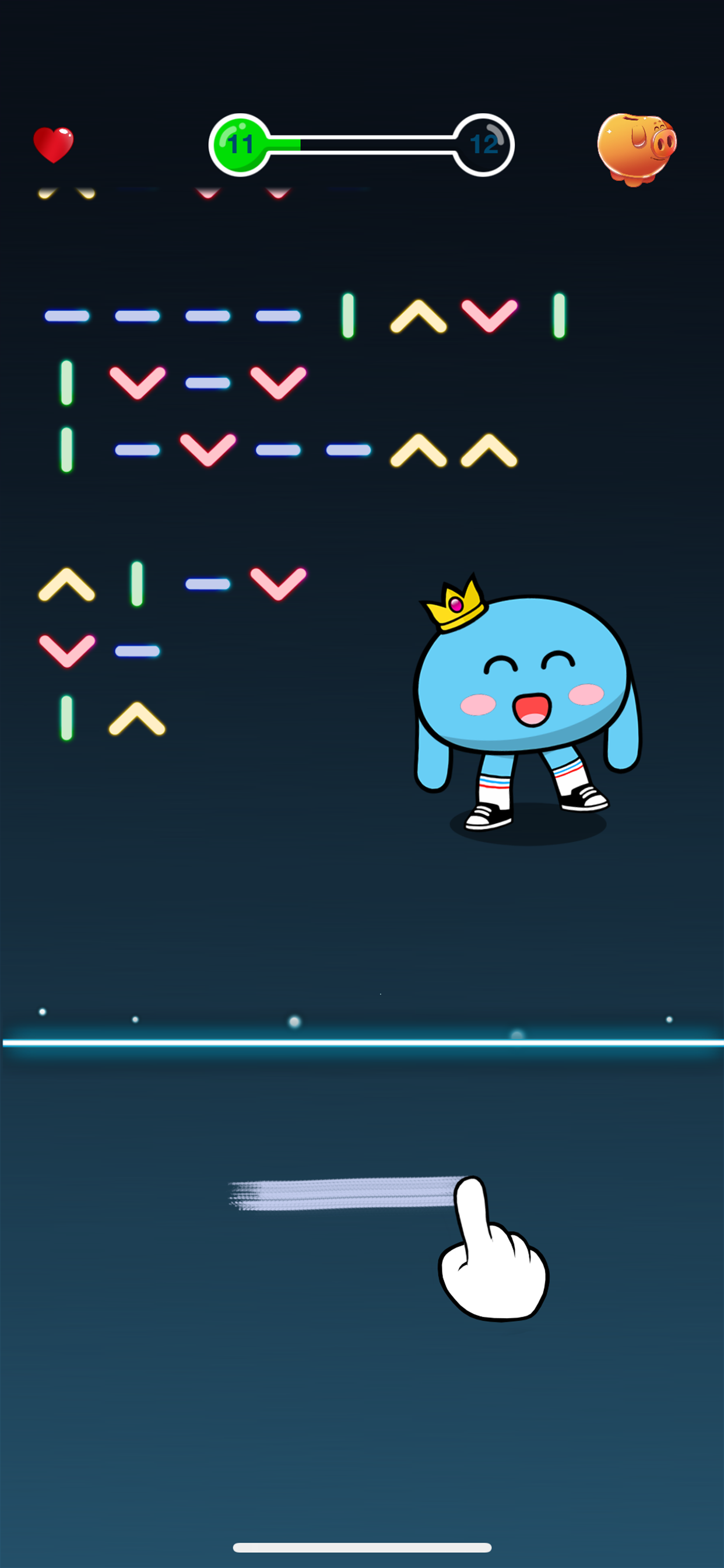
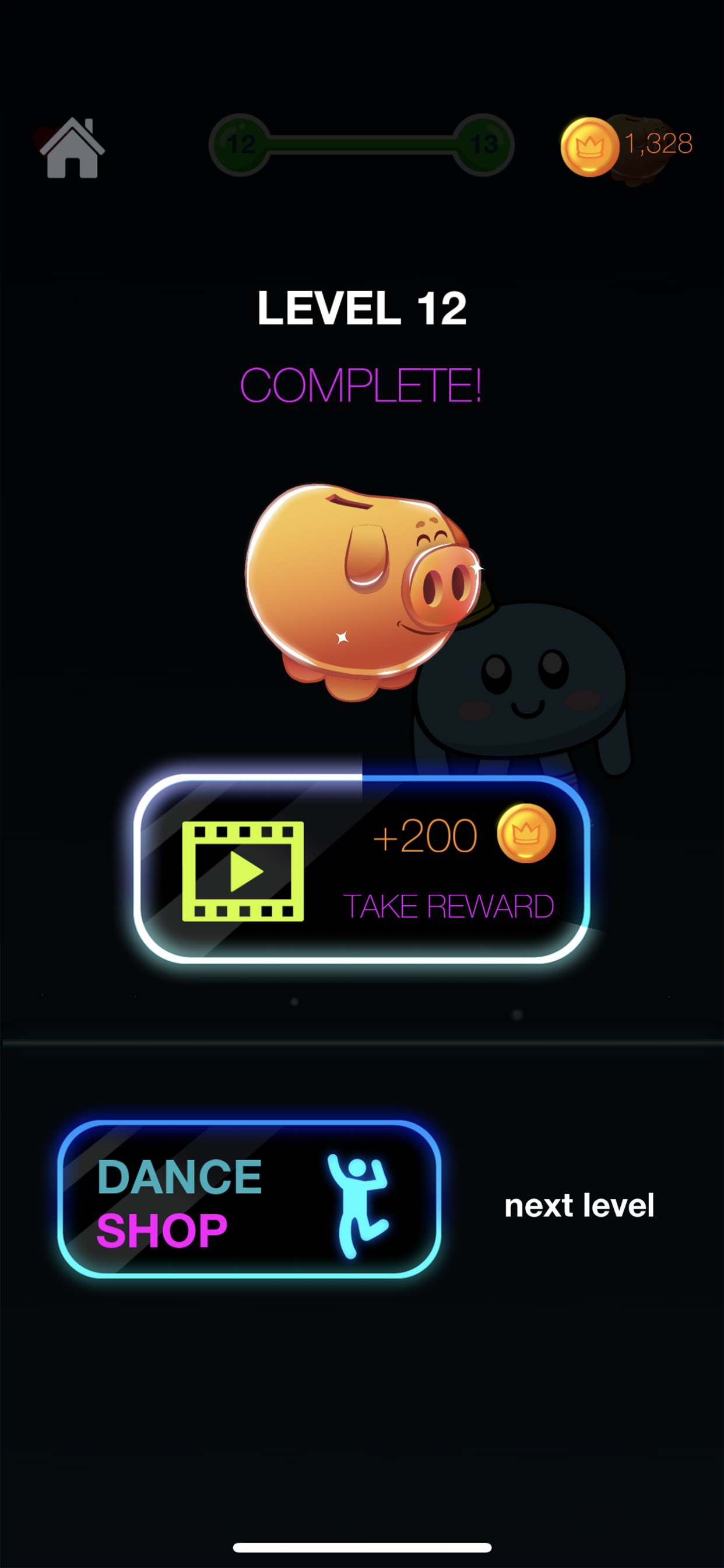
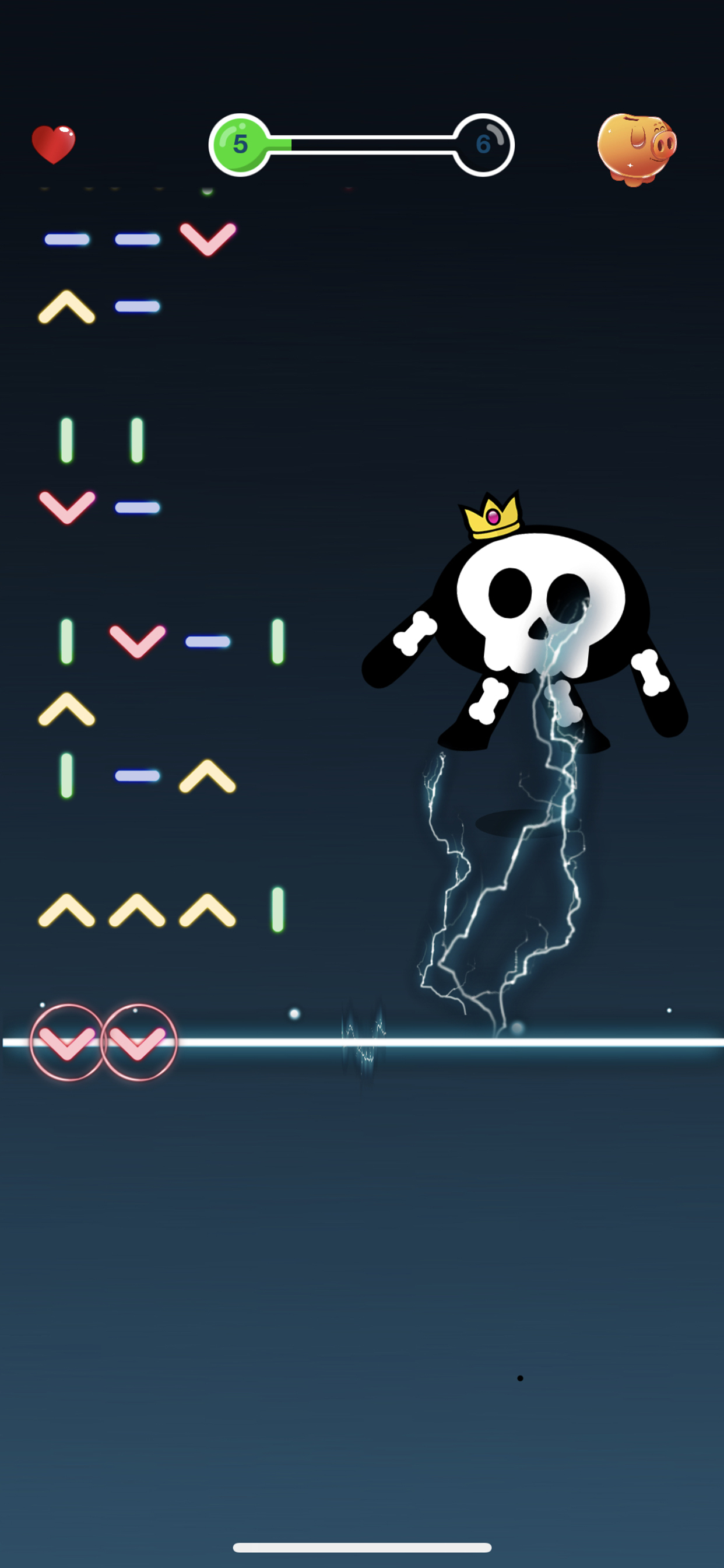
A hyper-casual game by Diesel Puppet for iOS and Android. The player’s task is to draw gestures shown in the left column of each wave. You have to do it quickly, since the list of gesture icons keeps moving downward. The game also features a shop where players can unlock different dances. At the moment there are 10 dance variations, each delightful in its own way. I especially enjoy the character’s animations.
I participated in the game’s development as a programmer. The concept, graphics, Spine animations, and balance were all created by the Diesel Puppet team. The game was built on my cross-platform engine, AGE.
At first, I used a neural network for gesture recognition. For the “engine,” I tried the open-source GRT. However, I couldn’t achieve high recognition accuracy despite spending a lot of time training the network. Most likely, my kung fu was far from master level.
In the end, I completely abandoned the neural network and switched to the $P+ algorithm with some small modifications. These tweaks mainly minimized false positives but didn’t affect the core principle. It’s worth noting that this algorithm is quite fast and requires no lengthy training – you just need to describe gestures in mathematical form.
For level design and gameplay balancing, I made a web version of the game with configs loaded from a server. In the release version, this functionality was disabled.
Yesterday marked the deadline for submissions to the international Ludum Dare game jam. Developers are challenged to create a game from scratch in 72 hours (for the jam) or 48 hours (for the compo) based on a given theme.
Our team of four created Ultimate Question 42 in just 72 hours. I took on the role of programmer and technical specialist (well, what else could I do? :)), Shevadzutskiy Alexander was our game designer, and Artem Khodas and Dojo handled the art.
On the morning of the first day, we learned the theme, brainstormed ideas, and dove straight into development. By midday, we had a rough concept of the game, and by the second day, we had a playable version.
We decided to build the game on my engine directly for the Web, as it allows immediate testing without installing anything on desktop or mobile devices. A native Linux version is available on the project site, and I can run the iOS version on my smartphone. In the future, we plan to release public versions for iOS, Android, Apple TV (tvOS), Android TV, and Facebook Instant Games.
Although I was completely exhausted by the evening of the third day – like a squeezed lemon – I was incredibly satisfied with our work. Our team functioned seamlessly; everyone clearly understood their responsibilities, and in the end, we delivered a great result.
You can find the official Ludum Dare page for the game here: Ultimate Question 42
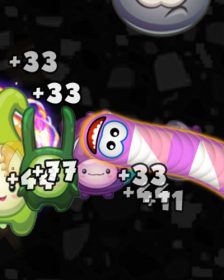
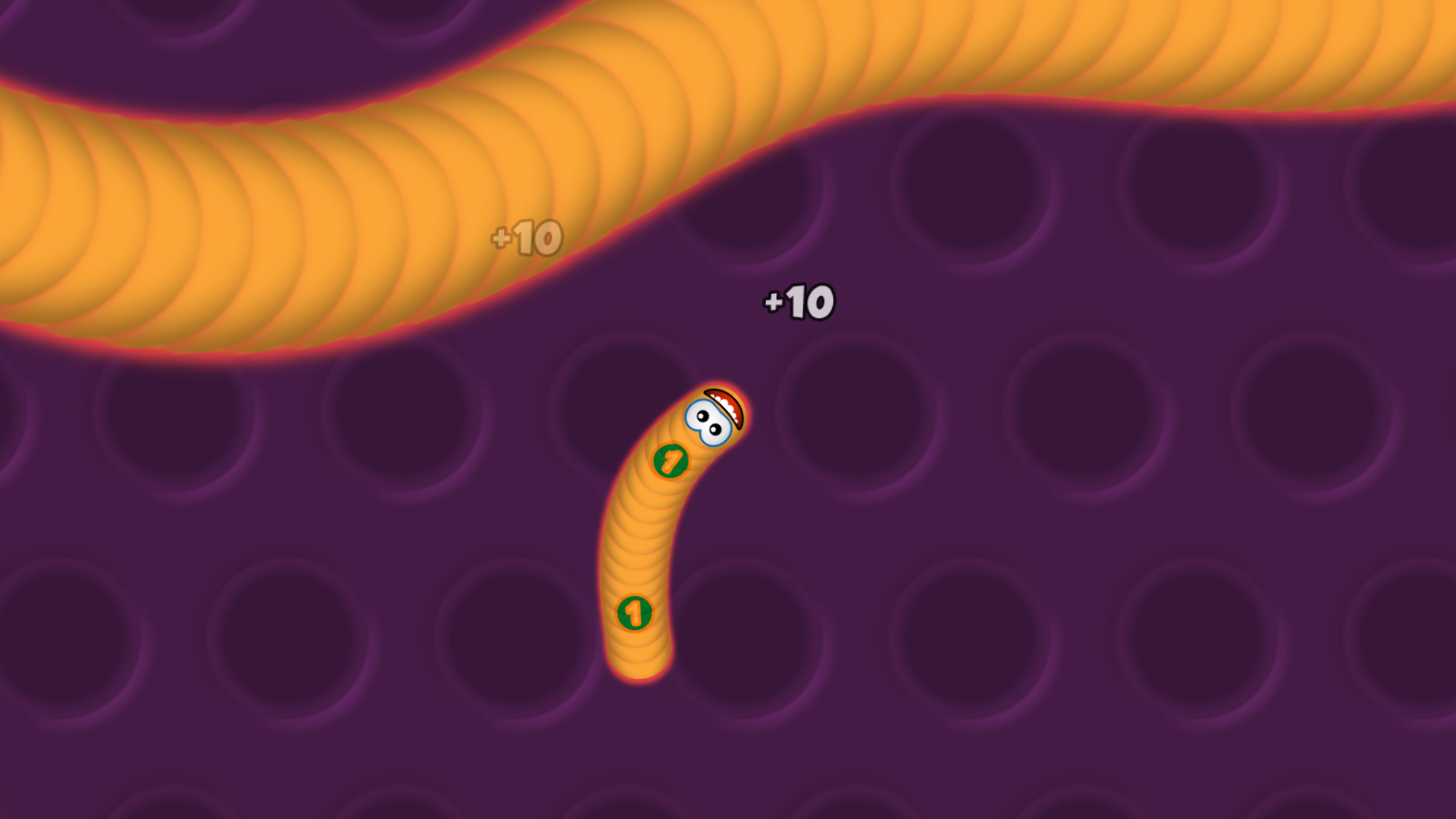
Worms Zone – a game about worms, or slither.io on steroids
At first, I didn’t even think of making a game. I just wanted to try implementing smooth worm movement – where the segments don’t follow the exact path given by the player, but behave more naturally. Yes, it’s a bit more complex and requires more calculations, but the movement looks much nicer and more interesting. My first tests were done in a Java-like language using Processing. After about an hour, I had a working prototype – a project on GitHub.
Watching the worms eat “apples” in my prototype, I decided to move forward with developing a full-fledged game.
I first rewrote the worm movement algorithm in C++ and then began refining it. The most important part was to pass the “coiling test” – when a player curls the worm into the smallest possible loop. Most games of this kind fail here: the worm’s tail stops moving, and only the head and a few segments follow, which looks awful.
Once I had an algorithm that passed the coiling test, I ran into a new issue: long worms had many “invisible” segments hidden behind others on the screen. Time to refine the algorithm – the tail still follows the head, but the number of visible and calculated segments decreases. When the worm moves straight again, the segment count returns to normal.
Then came the small details: when boosting, the worm should lose mass, becoming shorter and thinner. When moving normally and eating goodies, the worm should grow in both length and width. These details turned out trickier than they seemed at first – always a nuance, and here there were many 🙂
Game development and gameplay evolution
Worm bots were added to the arena, and their AI gradually improved. The first versions of the AI were, frankly, terrible. Now the bots are much smarter – and sometimes even cheeky.
I experimented with the interface. Unfortunately, I’m no designer or artist, so the result is what it is.
Gradually, support for different platforms was added – iOS, Apple TV, Android, Android TV, Web, Linux, Facebook Instant Games, OK, VK, and more. Since development was done on macOS, that was the first platform the game worked on.
I implemented multiple control schemes – mouse, remote control, gamepad, keyboard.
Gameplay evolved with new power-ups: a temporary worm extender; a radar showing other worms on the map; and a 5x multiplier for rapid growth and score boosts.
Balancing gameplay is still ongoing. I haven’t yet found the ideal parameters for arena size and maximum worm count; worm growth and weight loss rates; and the cost of skins and customization.
Over time, the game accumulated various features. Skins with textures were added, and I wrote a simple Photoshop plugin to make textured skins easier to create. It was very basic – it automated only a small part of the process, so some steps still had to be done manually.
A few technical details
All sprites (UI, skin elements, effects, power-ups) are stored as separate files. During the resource build stage, atlases and descriptions are generated – all done via the console. Yes, I love the console. The atlas packer, of course, is my own.
I also wrote a simple shader implementing a “circular indicator” to show remaining power-up time. I based it on one of my older shaders available on ShaderToy. Nothing fancy – it could have been done without it.
The game supports multiple languages: English, Russian, French, Spanish, Vietnamese. Adding a new language is no problem — you just need to order a translation. The game uses the free Google Noto TTF font, which contains glyphs for many languages, and the required character atlas is generated at runtime.
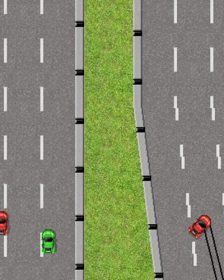
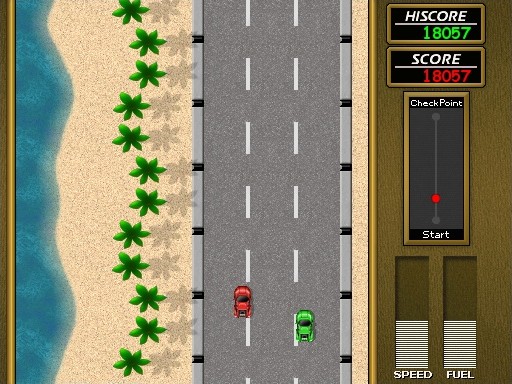
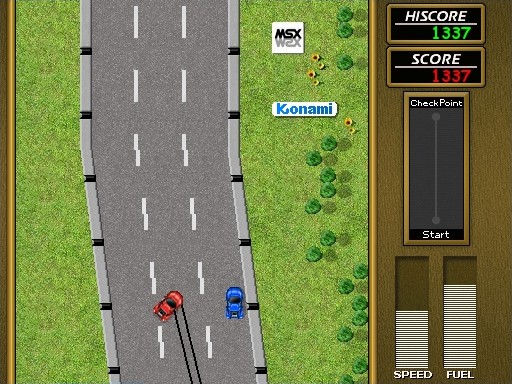
Road Fighter is an arcade racing video game developed by Konami and released as an arcade machine on December 7, 1984. Later, versions were released for MSX1 computers (1985) and the Nintendo Entertainment System (1985 in Japan, 1991 in Europe).
In 2003, Retro Remakes organized a “remake competition,” where participants were challenged to recreate a game from scratch in a short time. The team Brain Games decided to participate with a remake of Road Fighter for MSX.
What I did
The source code of the game was available on the Brain Games website, which I used. I informed the original clone author about my work – amusingly, he was happy and said he was looking forward to the web version.
First, I did a small code refactoring to make the game compile with a modern compiler using the “modern” version of SDL 1.2. Then I performed a larger code refactoring – dividing the code into logical parts and making it readable (here, my favorite VIM and clang-format were very helpful). Next, I had to make fixes to the sge library code required by the game.
After that, I ported the game to Linux and macOS, and six months later, I finally completed the port to Web.
Main challenges
The Web version was the most troublesome. At first, the game wouldn’t run at all – this was because the main loop needs to be slightly different for Emscripten (and generally for any properly designed architecture).
The next issue was clearing the screen (or filling it with black). You can’t just use zero; the zero must have an alpha of 0xff.
Later, the game seemed to freeze when loading a level – it turned out it wasn’t frozen, just very slow to load. I had to make many optimizations, mainly related to direct access to SDL surfaces. I solved this by removing Lock/Unlock calls from the main loops.
Another problem appeared when the car spins after a collision and skid marks must be drawn. Drawing lines was extremely slow, and they were never cleared even when off-screen. Moving the lock outside the loop and clearing the line list solved the issue.
I also improved file system handling, video and audio initialization, and music and sound loading. There were many changes – too many to remember. Anyone interested can compare the original game (the first commit) with the current master branch.
I might eventually add save-state support for the Web version. It’s not hard – synchronizing the “local” file system before reading is sufficient. IDBFS is perfect for this, but I haven’t gotten around to it yet.
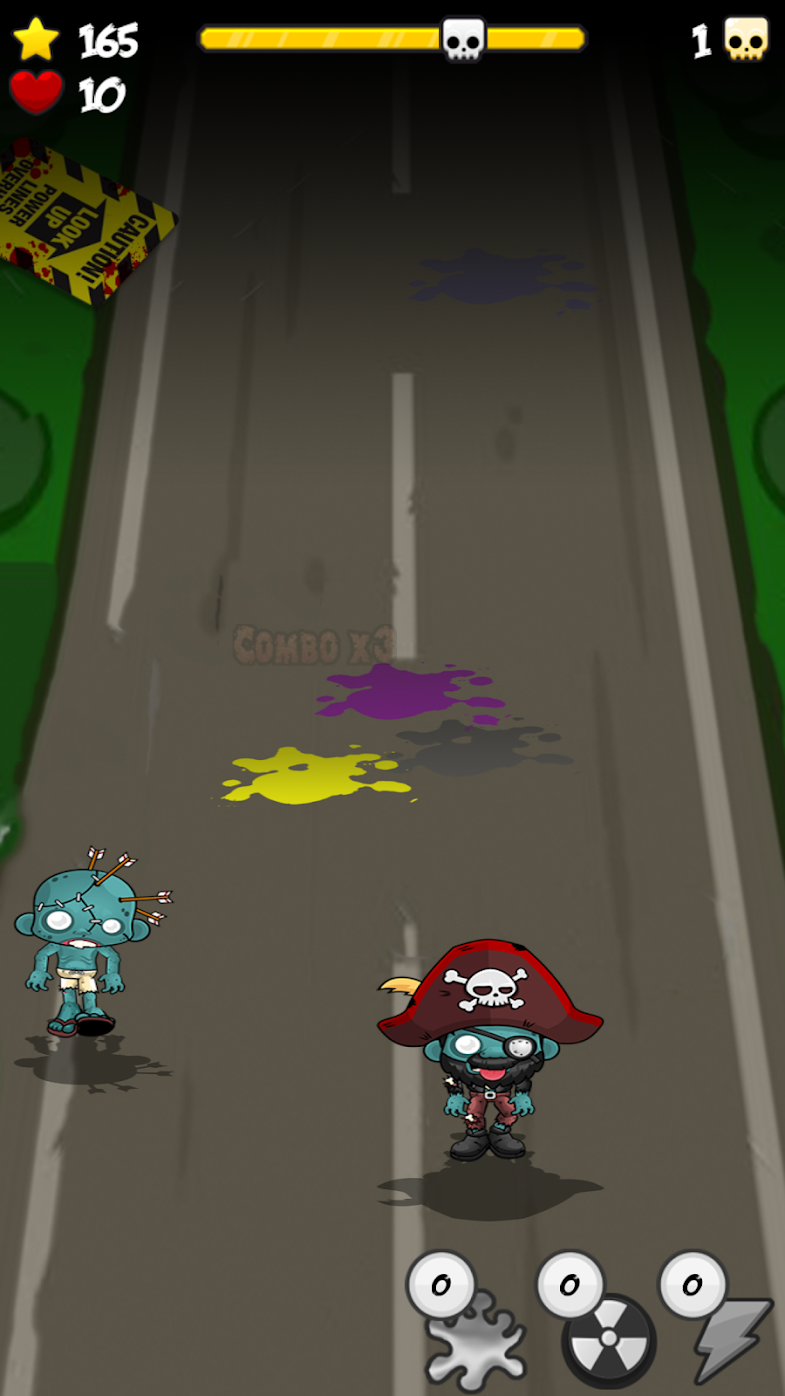
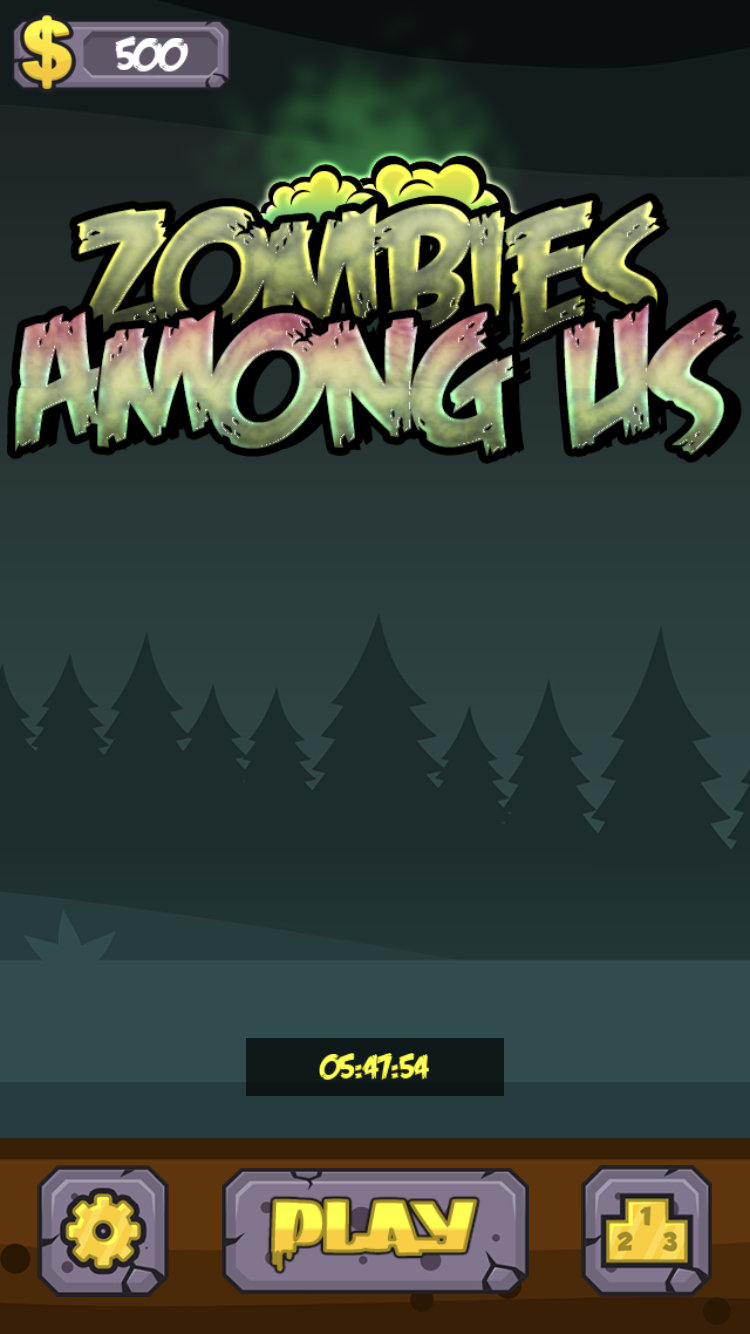
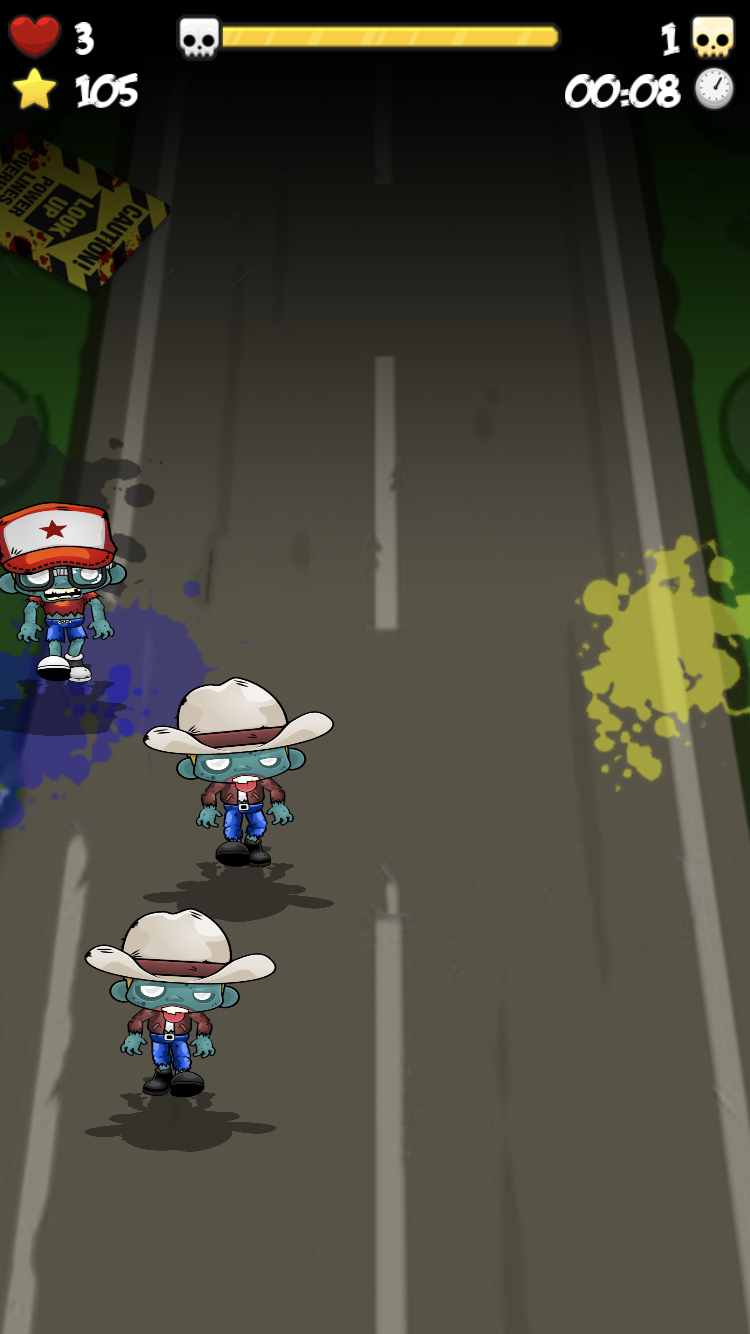
Not all zombies are equally useful. Crush them all, but be careful – some zombies aren’t quite ordinary.
The rules are simple: tap a zombie to kill it and use power-ups wisely.
All the artwork was purchased from specialized stock sources. There was nothing unusual during development – I was just making another game.
The only exception was the button. I had to make a change in the engine – adding a new event to the button widget, which was needed for the power-ups. I could have created a specialized widget instead, but I decided that extending the functionality of the standard button would be useful for future projects.
To provide the best experiences, we use technologies like cookies to store and/or access device information. Consenting to these technologies will allow us to process data such as browsing behavior or unique IDs on this site. Not consenting or withdrawing consent, may adversely affect certain features and functions.
Functional
Always active
The technical storage or access is strictly necessary for the legitimate purpose of enabling the use of a specific service explicitly requested by the subscriber or user, or for the sole purpose of carrying out the transmission of a communication over an electronic communications network.
Preferences
The technical storage or access is necessary for the legitimate purpose of storing preferences that are not requested by the subscriber or user.
Statistics
The technical storage or access that is used exclusively for statistical purposes.The technical storage or access that is used exclusively for anonymous statistical purposes. Without a subpoena, voluntary compliance on the part of your Internet Service Provider, or additional records from a third party, information stored or retrieved for this purpose alone cannot usually be used to identify you.
Marketing
The technical storage or access is required to create user profiles to send advertising, or to track the user on a website or across several websites for similar marketing purposes.