lazy game developer

Showing: 1 - 3 of 3 RESULTS
Texture Packer

Texture Packer

This is one of the essential tools I use daily, helping me eliminate a significant amount of routine work.

Yes, it happens – I actually use my own creation daily.

Texture Packer for Linux and macOS is a command-line utility that packs multiple input images into a single texture atlas. Its CLI nature makes it ideal for automation in various workflows.

Features

  • It’s quite fast’ve compared it to a “standard paid” packer.
  • It accepts both individual sprites and entire directories as input, with support for recursive directory processing.
  • It can generate Power-of-Two (PoT) atlases.
  • You can limit the maximum size of the atlas.
  • It can trim “excess” border pixels from input sprites.
  • It can add a border of a specified size around a sprite when placing it in the atlas.
  • It generates an XML file with the layout description of the placed sprites.

The utility was originally created for personal use, but is now available on GitHub – Texture Packer.

Simple Viewer GL

Simple Viewer GL

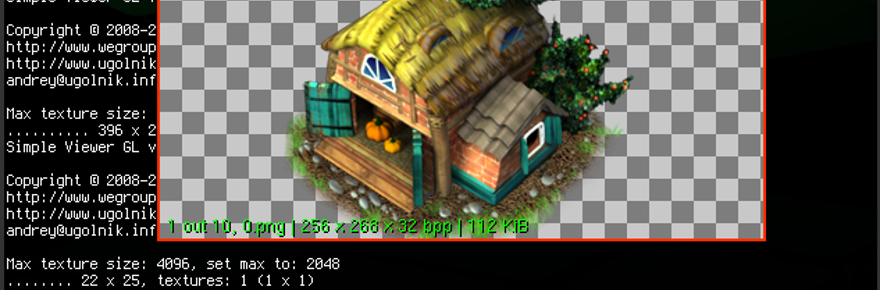
Lightweight image viewer powered by OpenGL.

I use this viewer daily for:

  • Quickly browsing through a list of images.
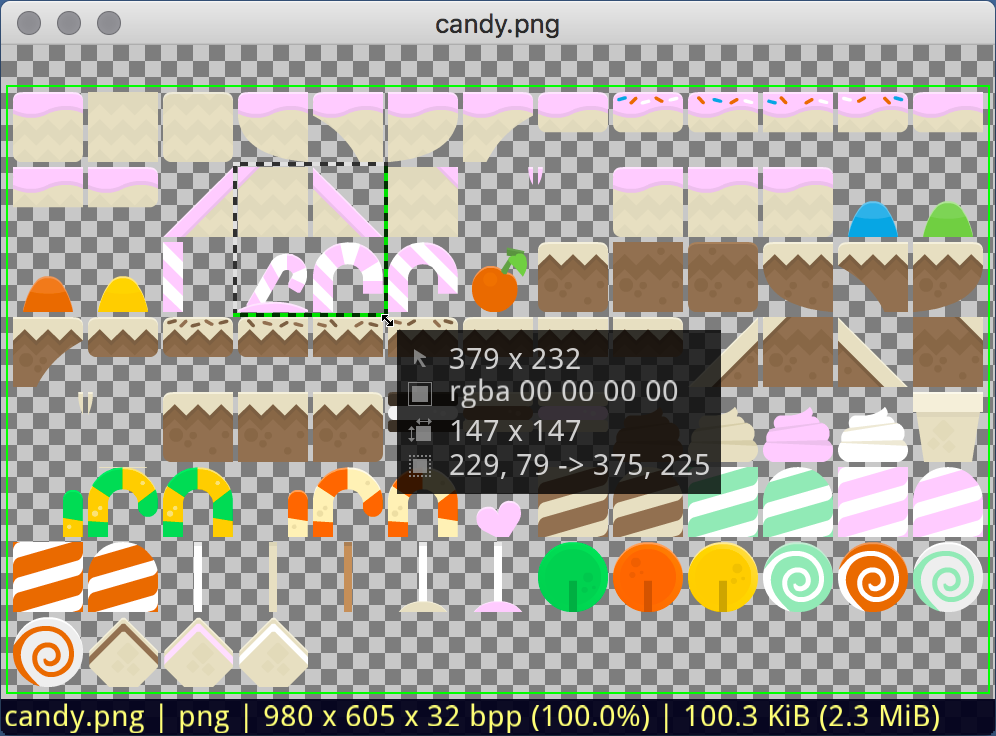
  • Determining the parameters of the area occupied by a sprite on a texture.

Advantages:

  • Compact and fast.
  • OpenGL support for smooth operation.
  • Simple interface for quick image viewing.
  • Sprite parameter determination feature.

Wide range of supported formats:

  • Graphics formats: PSD, AI, EPS, PNG, XCF, JPEG 2000, JPEG, TIFF, ICO, DDS, GIF, BMP, TARGA, PNM, XWD, XPM.
  • Image formats: SCR (ZX-Spectrum), WebP, OpenEXR.

Additional features:

  • Multi-page TIFF.
  • PNG frame support in ICO.
  • View each GIF frame separately.

Advanced features:

  • ICC color profile support: Ensures accurate color reproduction using embedded ICC profiles.
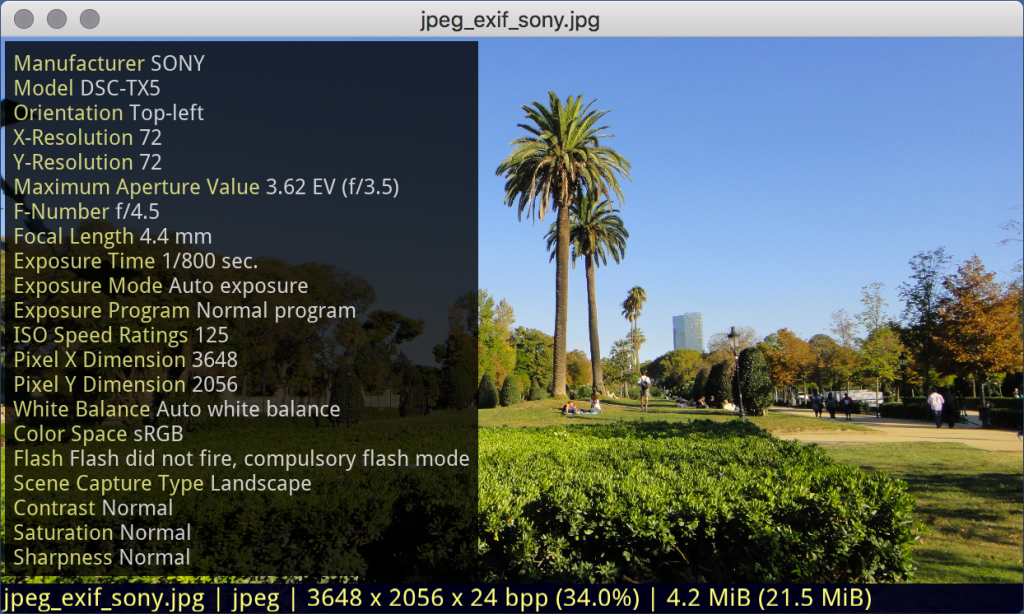
  • Image file information: Access EXIF and other data stored in the image file (<e>).
  • Smooth loading: Loads images in a separate thread with a progress indicator.
  • Convenient navigation: Creates a file list and allows quick navigation to the desired position.
  • GIF animation support: Plays animated images in GIF format.
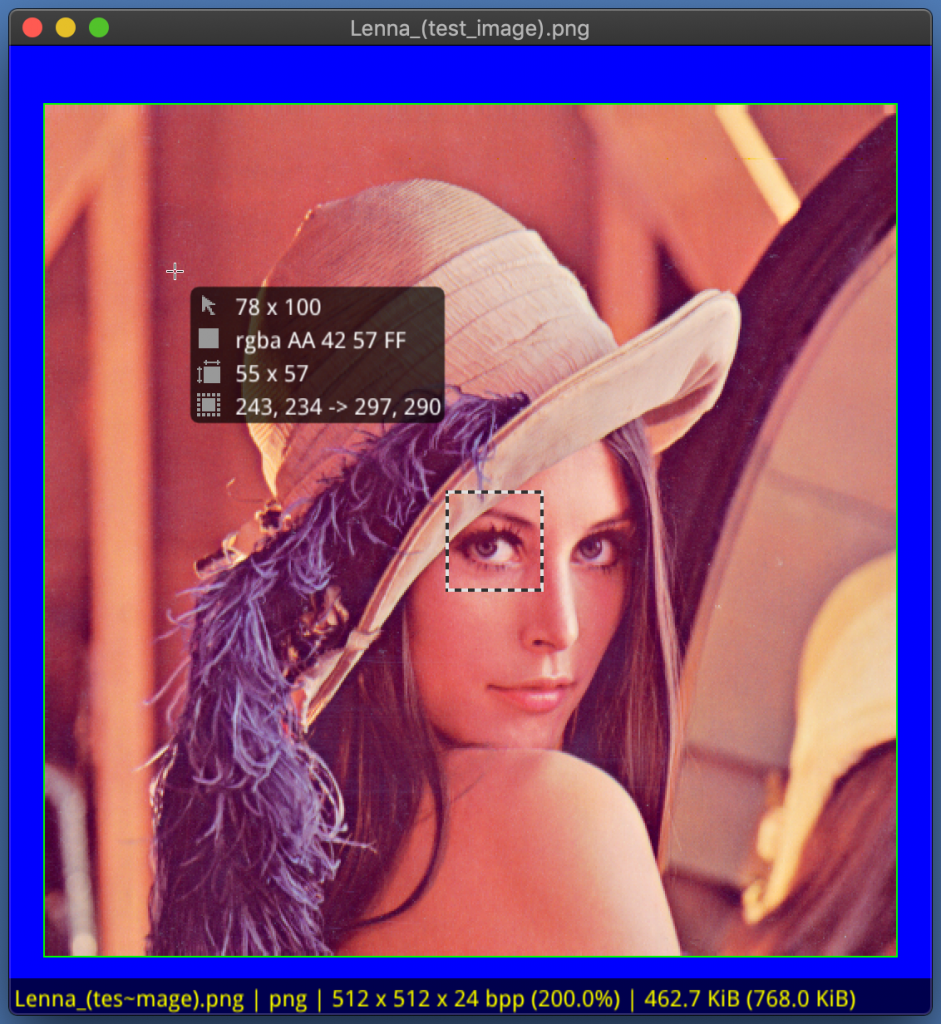
  • Pixel information: Displays the coordinates and color of the pixel under the cursor (key -p or <p>).
  • Area selection: Allows selecting a part of the image with a frame to determine coordinates and area size.
  • Quick zooming: Convenient zooming of the image using the keyboard or mouse.
  • Automatic scaling: Automatically adjusts the image to fit the viewer window.
  • Multi-page images: Views multi-page images using the PgUp and PgDn keys.
  • OpenGL: Utilizes OpenGL for high performance and smooth operation.
  • Large image splitting: Splits large images into multiple textures for performance optimization.

Simple Viewer GL source code is available on GitHub.

ZX-Spectrum 48k

Карты уровней игр ZX-Spectrum

Speccy Screenshot Maps – на сайте размещено более 1100 карт из игр для ZX-Spectrum. Владелец ресурса так же написал утилиту, которая позволяет делать снимки экрана игры в эмуляторе, и утилиту, которая склеит эти снимки в одну большую карту.

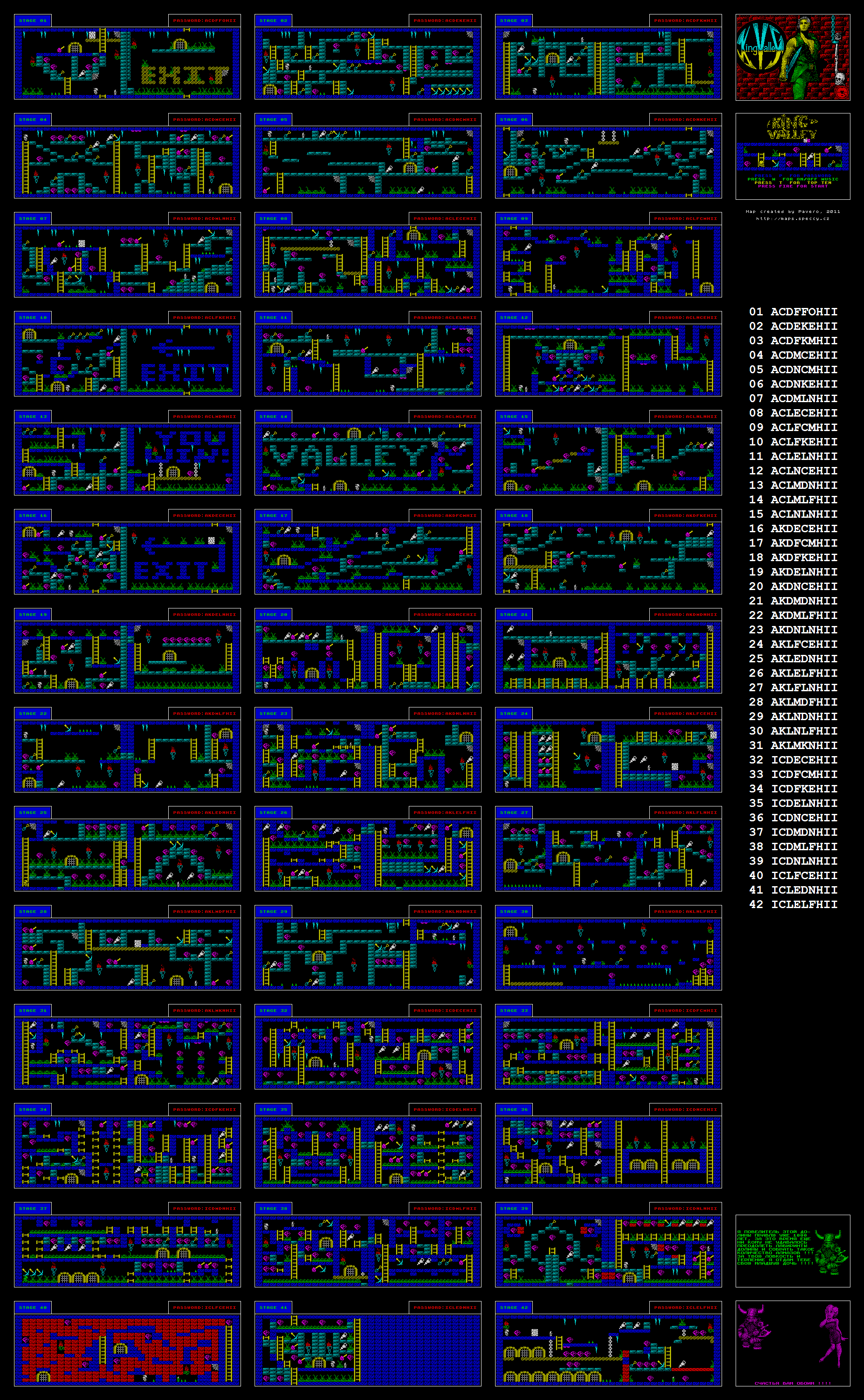
King Valley levels map